A new home comes with plenty of paperwork, but your air conditioner warranty deserves special attention. In Florida, cooling equipment may run through most of the year, so a missed registration step or lost receipt can create problems when you need service.
The good news is that AC warranty registration is usually manageable when you gather the right documents first. Use this checklist to record your system details, review the written warranty, store hurricane-season records safely, and set up maintenance before a small issue becomes an expensive repair.
Key Takeaways
- Find the model and serial numbers for the outdoor and indoor equipment before registering.
- Follow the manufacturer's written instructions for registration deadlines and transfer rules.
- Keep installation invoices, warranty documents, and service records in both paper and digital formats.
- Ask who covers parts, labor, and maintenance because those responsibilities may differ.
- Schedule routine service to protect system performance and keep useful records.
Start With the Documents You Received at Closing
Before opening a manufacturer website, collect every document connected to the air conditioning system. Your closing packet may include an installation invoice, equipment manuals, permits, service agreements, and warranty information. If the previous owner installed the system, ask your real estate agent or closing attorney whether additional HVAC records are available.
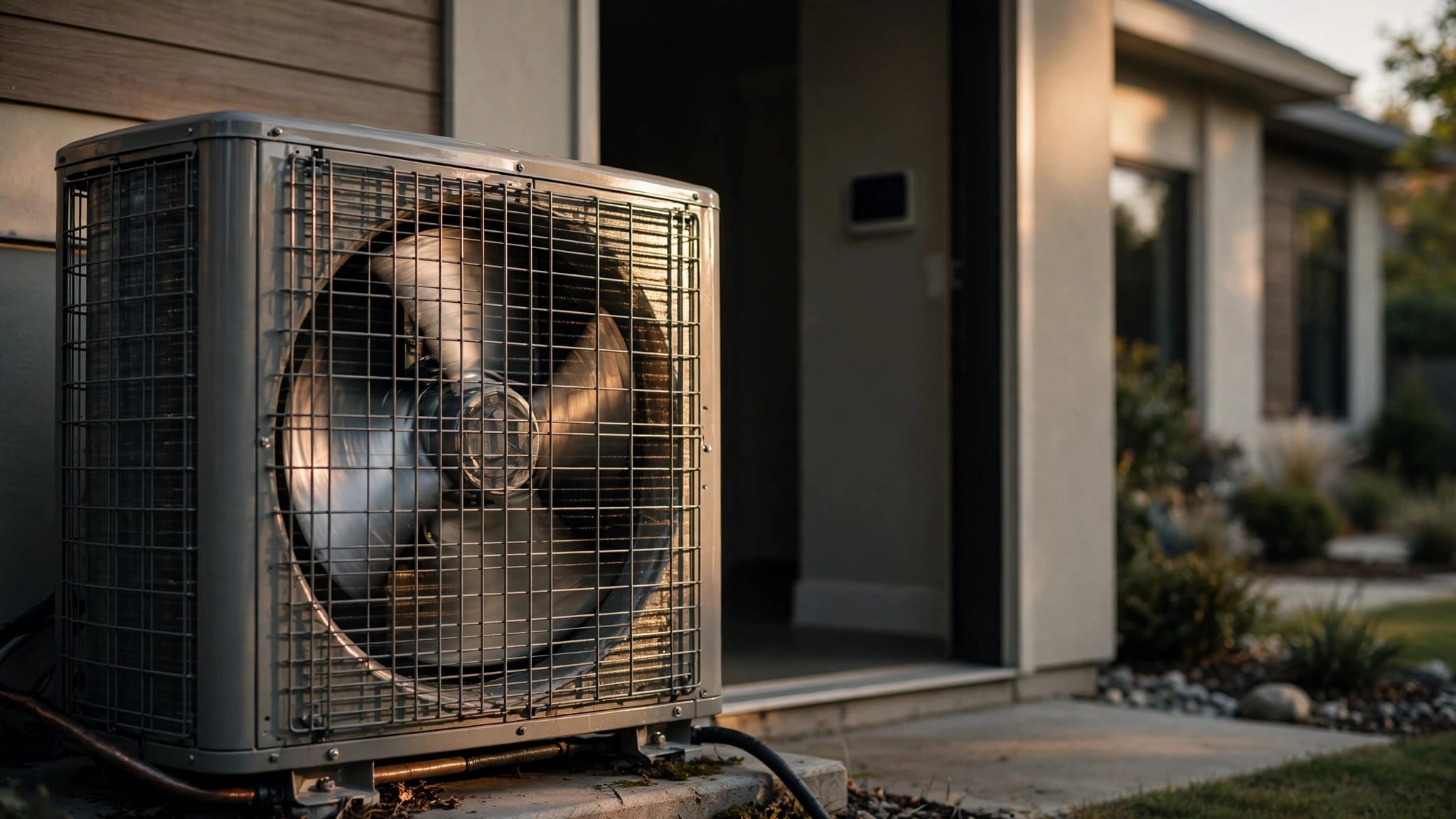
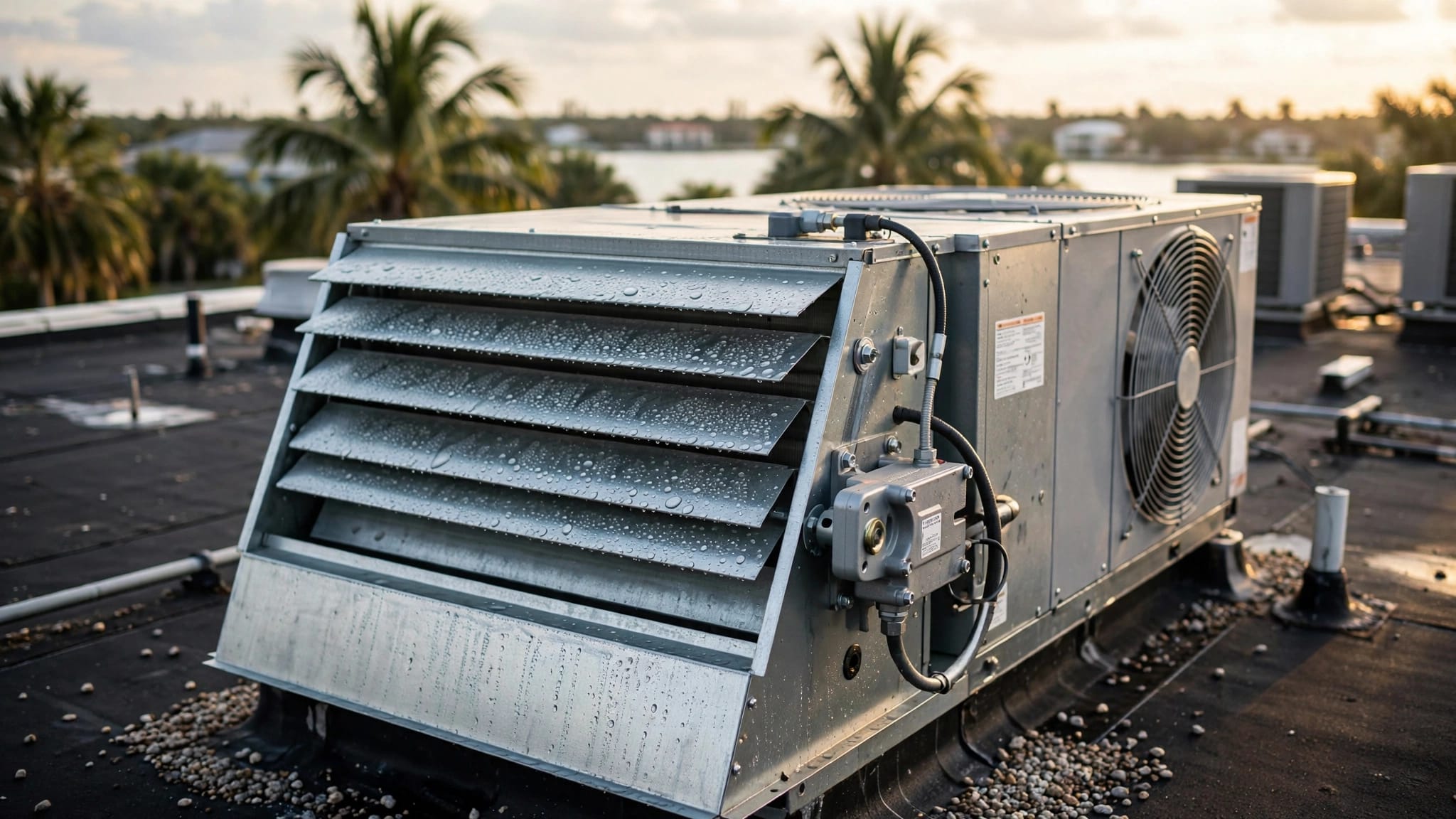
The model and serial numbers are the most important details. You may find them on a label attached to the outdoor condenser and on a separate label inside the air handler or furnace cabinet. Take clear photos of both labels. Florida attics, garages, and utility closets can be difficult to access later, especially during an emergency.
You should also locate:
- The original purchase or installation invoice
- The date the system was installed
- The names of the equipment manufacturer and installing contractor
- Manuals and warranty booklets
- Permit or inspection records, if included in your closing documents
- Any maintenance agreement or previous service invoices
- The seller's disclosure or home inspection report
The installation date matters because the written warranty may use that date when describing coverage. Don't assume the closing date, purchase date, or date printed on a sales receipt controls the warranty period. Check the manufacturer's terms or ask the installing company to confirm the correct date.
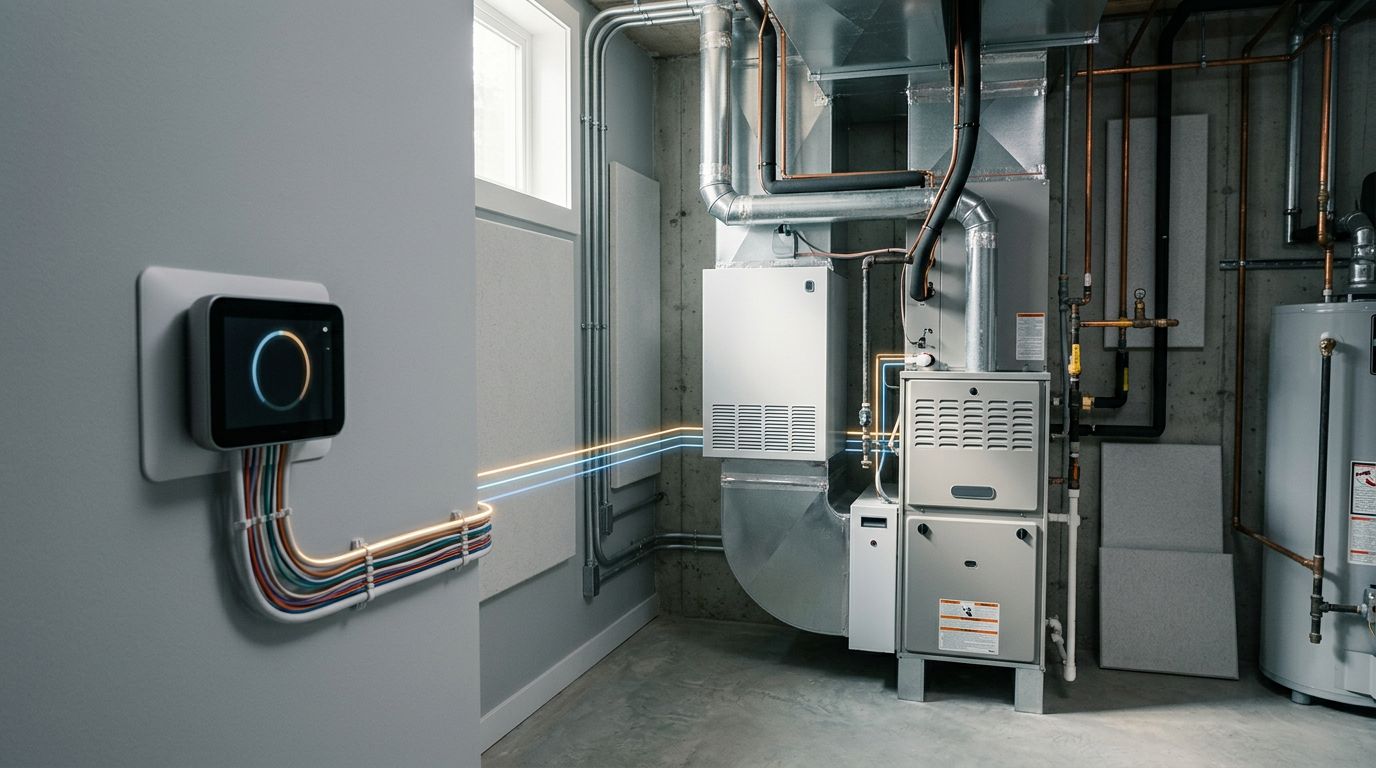
If the home has a split system, record each major component separately. The outdoor condenser, indoor air handler, evaporator coil, heat pump, and thermostat may have different model information. Registering only the condenser may leave you without a complete record of the equipment in your home.
A simple digital folder can make this process easier. Name files with the equipment location and document type, such as "downstairs condenser serial number" or "2026 installation invoice." Clear naming helps when you need information quickly.
Complete AC Warranty Registration With Accurate Information
Once your documents are ready, use the registration instructions supplied by the manufacturer. Some brands provide a registration card, while others direct homeowners to an online form. Use the website address printed in the warranty materials or on the manufacturer's official website. Avoid entering personal information into an unfamiliar site reached through an unsolicited email or advertisement.
The form may request your name, property address, contact information, equipment details, installation date, and installer information. Enter each item carefully. A single incorrect digit in a serial number can make it harder to match your equipment with the registration record.
Before you submit the form, compare the entries with your photos and paperwork. Pay close attention to:
- The complete model number, including letters and suffixes
- The full serial number for each registered component
- The installation date shown on the contractor's invoice
- Your current mailing address and email address
- The installing company's name and contact information
Save the confirmation page, email, or registration number after submitting the form. Take a screenshot if the website doesn't provide a downloadable copy. Record the date you registered the equipment and keep that information with your warranty documents.
Registration does not replace the written warranty. The terms control coverage, exclusions, claim procedures, and any conditions that apply. Registration can help the manufacturer identify the equipment and may affect the benefits available under that particular warranty, but only the manufacturer's current paperwork can tell you what applies to your system.
Don't guess about deadlines. Some manufacturers may set a registration window, while others may use different rules for registered and unregistered equipment. The deadline can also depend on the product line, installation date, or type of warranty. Read the terms for your exact model.
If you bought a home with an existing system, look for a section about ownership changes. Warranty transfer rules vary. Some warranties can transfer only if the new owner completes a request within a stated period. Others may require documentation, a fee, or a service inspection. Some may not transfer at all.
Separate Parts Coverage From Labor and Service Costs
Many homeowners hear the word "warranty" and assume every repair is covered. HVAC warranties often separate the equipment manufacturer's responsibility from the installing contractor's labor responsibility. These are different forms of protection.
A manufacturer warranty may cover a defective component, such as a compressor, coil, motor, or control board. However, the written terms may not cover the labor required to diagnose and replace that part. The installer, service company, or a separate labor plan may handle those charges under different terms.
Read the sections that address:
- Covered parts and equipment
- Labor and diagnostic charges
- Shipping or disposal costs
- Refrigerant and refrigerant handling
- Electrical problems or power-related damage
- Water damage, corrosion, and environmental conditions
- Improper installation or unauthorized modifications
- Required maintenance and service records
- Claim approval and authorized service procedures
- Ownership transfer and registration requirements
Florida's heat and humidity make regular operation unavoidable for many households. As a result, a system can develop airflow, drainage, electrical, or refrigerant problems even when a major component remains under warranty. A covered part doesn't always mean the entire service visit costs nothing.
Some warranties also exclude damage tied to installation, neglect, misuse, unauthorized repairs, or failure to follow maintenance instructions. The exact language matters. For example, one manufacturer may state a maintenance requirement in a specific way, while another may explain maintenance as a recommended practice without the same warranty condition.
Keep every service invoice, not only invoices for repairs. A good record should show the service date, equipment identified, work completed, parts installed, and technician or company name. If a warranty claim becomes necessary, these details can help establish what happened and when.
When you need a repair, ask the technician to review the warranty before work begins. You can also ask which charges may remain your responsibility. This conversation helps prevent an unexpected bill and gives you a written record of the claim.
Protect Your Warranty Records During Florida Storm Season
Paperwork stored in a kitchen drawer may not survive a roof leak, flooding, or storm damage. Hurricane-season preparation should include your HVAC records, especially if your home is in a coastal or low-lying area.
Keep paper copies in a waterproof document pouch or sealed container. Store the pouch in a location away from windows, garage doors, and areas that could flood. Don't place the only copy beside the air handler or water heater.
Create a digital backup before the next storm threatens your area. Scan or photograph the following items:
- Equipment labels
- Warranty terms and registration confirmation
- Installation invoice
- Maintenance and repair records
- Contractor contact information
- Photos of the outdoor unit and surrounding area
Save the files to a cloud account and send a copy to an email address you can access from your phone. You can also keep a copy on an external drive stored somewhere other than the home. Use a strong password and avoid sharing account credentials with service providers.
Photos can help document the system's condition before a storm. Take wide photos that show the unit's location, along with close images of the equipment labels and visible connections. Never remove panels or handle electrical components to create a better photo.
After a storm, don't turn on equipment that has flooded, shifted, or suffered visible damage. Contact a qualified HVAC professional and follow your insurance company's instructions. A warranty may not cover storm damage, so keep separate records for insurance claims and manufacturer claims.
Schedule Maintenance Before Florida Heat Exposes a Problem
Registration protects your paperwork, but maintenance supports the system itself. Florida air conditioners often work harder than systems in climates with long cooling breaks. A dirty filter, blocked drain, weak capacitor, or restricted coil can affect comfort before the equipment stops working.
Check your manufacturer's maintenance instructions and follow the installing contractor's recommendations. Many homeowners replace or clean filters on a regular schedule based on filter type, indoor air quality, pets, and household conditions. The correct schedule for your home may differ from a neighbor's.
Professional service can include checking airflow, electrical connections, condensate drainage, refrigerant-related concerns, coils, and system operation. Ask the technician what the visit includes and request a written report. Keep that report with your warranty file.
Routine service doesn't guarantee that a component will never fail. It does give you a clearer record of care and may identify a developing issue before it causes water damage or a no-cooling emergency.
If your system needs attention in Cape Coral or nearby Southwest Florida communities, Contact Us to schedule a service call with Back Bay Heating & Cooling. Keep the registration confirmation and equipment photos available when you call.
Use a Simple Warranty File for Future Repairs
A warranty file should answer three questions quickly: What equipment is installed? When was it installed? What work has been completed?
Use a paper folder, digital folder, or both. Add the registration confirmation, written warranty, installation documents, service invoices, and photos. Update the file after every maintenance visit or repair.
When a problem occurs, write down the date, symptoms, thermostat setting, unusual sounds, water near the equipment, and any error code shown on the thermostat. Don't attempt repairs that require electrical or refrigerant work. Give these details to the service company so the technician can begin with useful information.
If you replace a component, keep the invoice and note the new part number. The replacement part may have separate warranty terms. Ask the service provider whether the part is covered, who handles the claim, and how long the replacement coverage lasts under the applicable paperwork.
Review the file once a year, preferably before the hottest part of the cooling season. Confirm that your contact information remains current and that you can open the digital backup. This quick check prevents a missing password or faded receipt from slowing down a future claim.
Conclusion
A new Florida homeowner can complete AC warranty registration with a small set of organized records. Photograph the equipment labels, verify the installation date, follow the manufacturer's instructions, and save the confirmation.
Then read the written warranty instead of guessing about deadlines, transfer rules, parts, labor, or maintenance requirements. With storm-safe backups and routine service records, you'll be better prepared when your air conditioner needs attention during a long Florida cooling season.