Leaving the AC too warm while you're away can make a Cape Coral home feel muggy fast. Heat is part of it, but humidity is the bigger problem, because it can creep in even with the windows shut.
For a short trip, a modest setback is fine. For a longer one, the right AC temperature while away keeps the house dry without running the system harder than needed. The sweet spot depends on how long you'll be gone and how well your home handles moisture.
Here's a simple way to choose a setting that works in Southwest Florida.
The best AC temperature while away in Cape Coral
Most Cape Coral homes do well between 78 and 82 degrees when nobody is home. That range gives the system a chance to manage moisture without cooling an empty house more than needed.
A useful starting point depends on the trip.
| Time away | Good starting point | Why it works |
|---|---|---|
| Overnight or 1 to 2 days | 78 to 80 degrees | Keeps the house stable without much extra cooling |
| 3 to 7 days | 79 to 82 degrees | Saves energy while still helping with humidity |
| More than a week | 80 to 82 degrees, if the home stays dry | Works for homes that stay tight and handle moisture well |
| Home runs humid easily | 76 to 78 degrees | Gives the AC more run time to pull out moisture |
If your home tends to feel sticky after rain, stay near the lower end of the range. If it stays dry and well sealed, the higher end is usually fine.
In Cape Coral, a slightly higher thermostat setting only helps if the house still stays dry. If the rooms feel damp, the AC may need more run time, not less.
Why humidity changes the answer
In this climate, the AC does more than cool. It also pulls moisture out of the air. When the thermostat is set too high, the system may not run long enough to dry the house.
That is when you start noticing small warning signs. Windows may fog. Closets can smell musty. Bedsheets and towels can feel a little damp. If that sounds familiar, how to maintain proper indoor humidity with your air conditioner is a good place to look for the pattern.
Cape Coral homes are especially sensitive to this because of the heat, salt air, and long stretches of moisture in the air. A setting that works in a dry climate can fall short here. In other words, saving a few dollars on cooling does not help much if the house comes back feeling clammy.
A simple target is to keep indoor humidity around 45% to 55% while you are away. If the home starts climbing above that, a slightly lower thermostat setting is usually smarter than pushing it higher.
When a slightly lower setting makes sense
Sometimes the right answer is not the highest setting that still feels safe. Sometimes it is the setting that keeps the air dry enough to protect the house.
A lower range, around 76 to 78 degrees , can make sense when:
- The home has a history of damp closets, window sweat, or musty smells.
- You live near water, or your home picks up moisture after afternoon storms.
- The AC already struggles to keep humidity down on rainy days.
- The house has been closed up for a long trip and needs more run time.
That lower range may use a little more power, but it can prevent a much bigger problem. Moisture can settle into fabrics, wood, drywall, and stored items. Once that happens, the bill you wanted to avoid can show up in repairs instead.
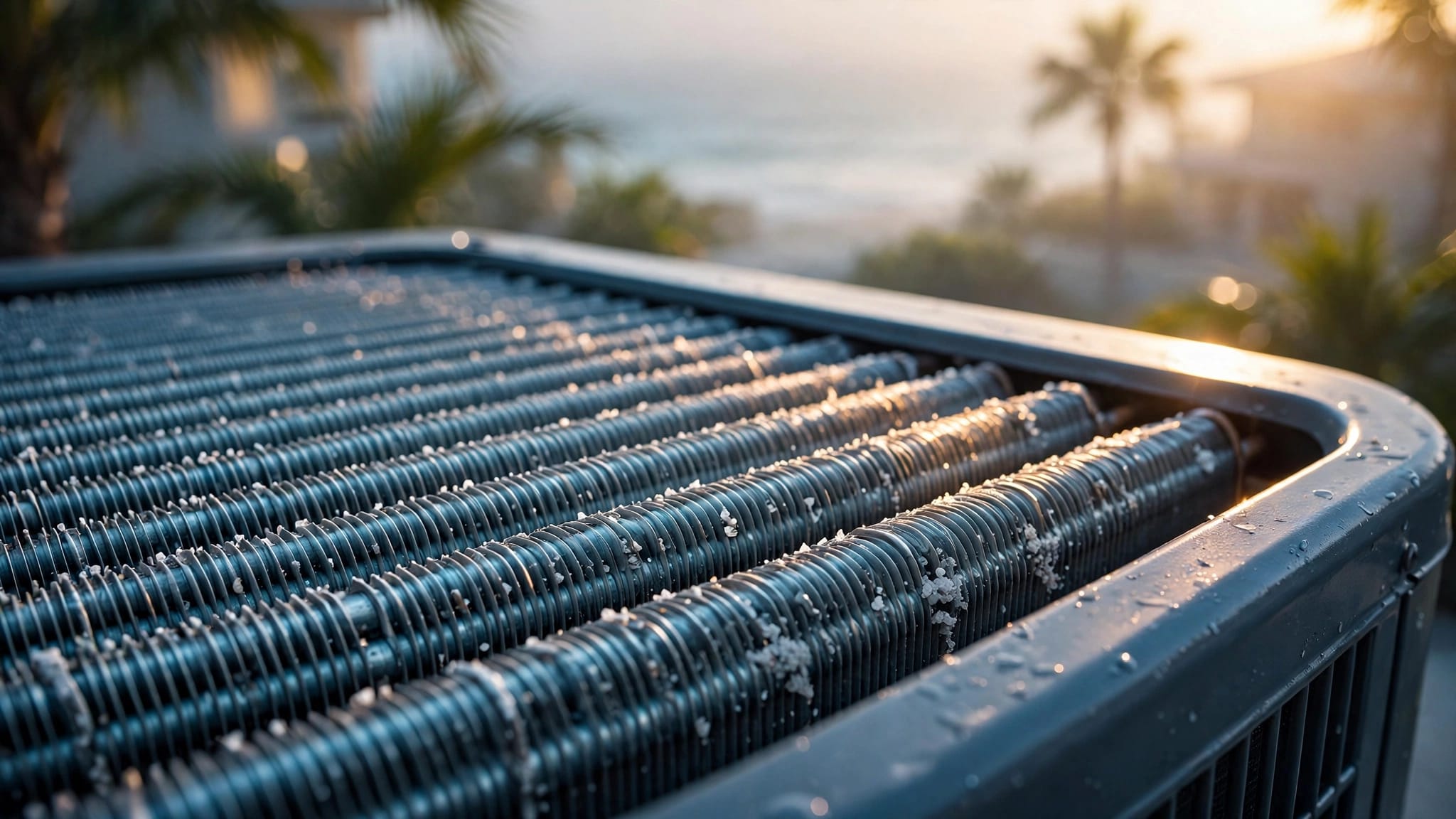
If the system has trouble keeping up, why routine AC maintenance matters in humid climates becomes more than a comfort topic. Dirty coils, a weak drain line, or low airflow can all make the house feel sticky even when the thermostat looks reasonable.
A pre-trip tune-up helps the system keep doing its job while you are gone. It also gives you a better chance of coming home to a house that smells normal, feels dry, and runs the way it should.
Smart thermostat and vacation mode make it easier
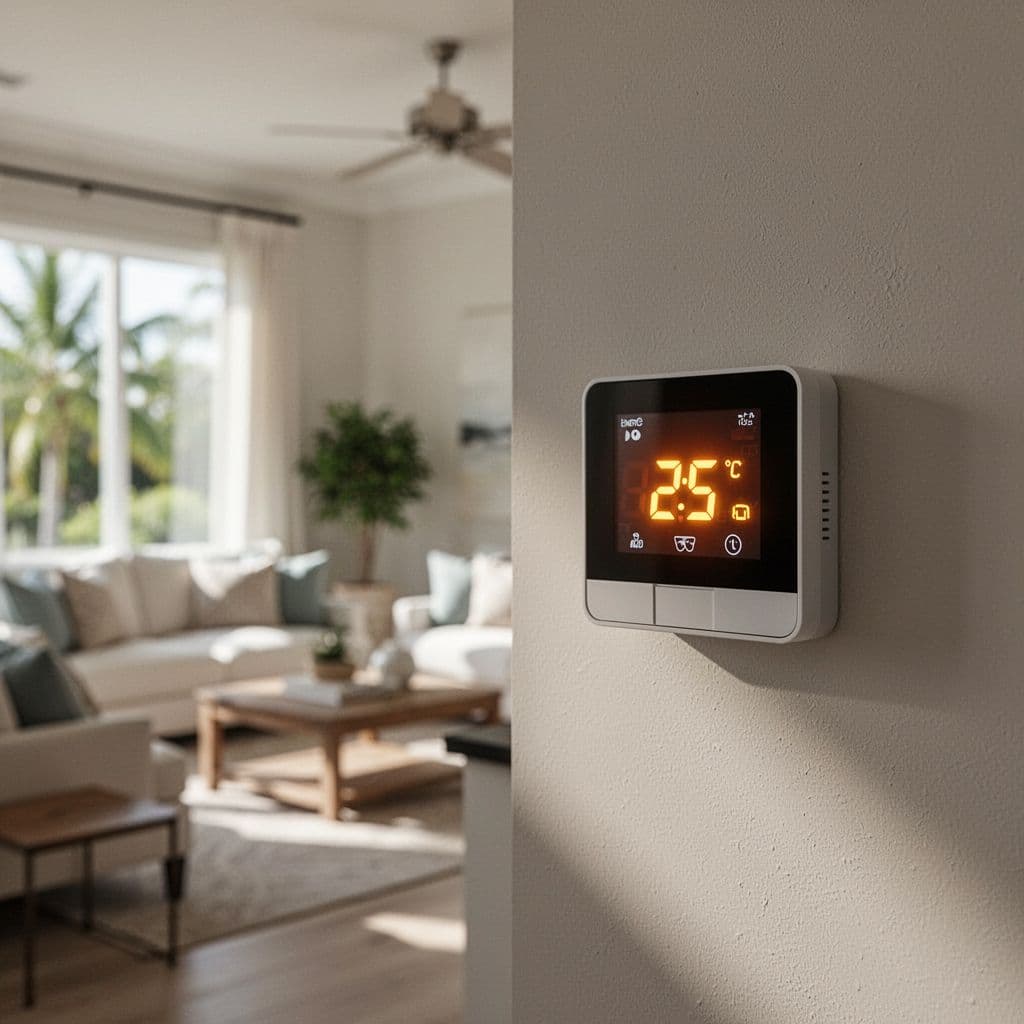
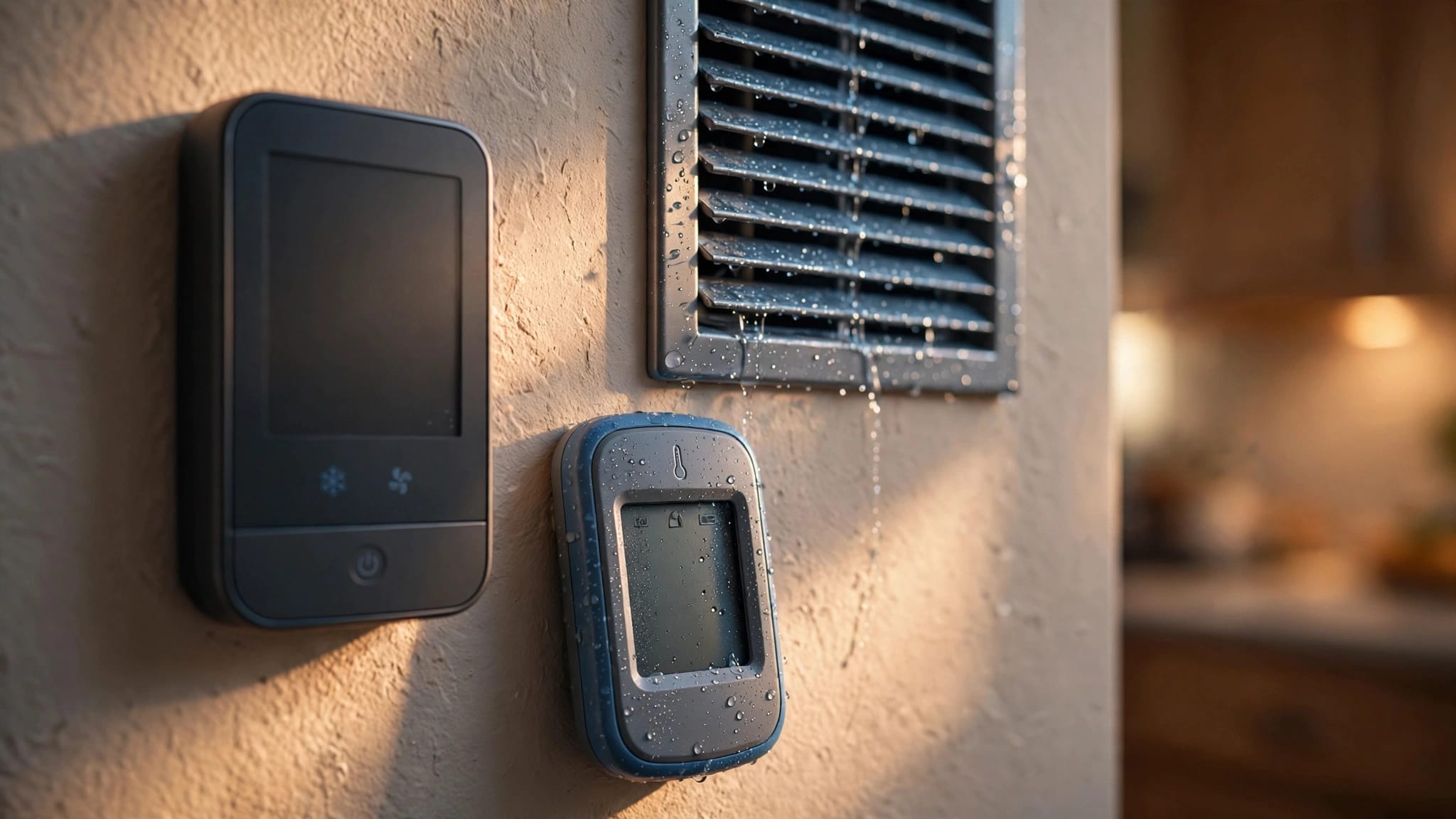
Smart thermostats help because you do not have to guess once you leave. Vacation mode lets you lock in a steady target, then adjust it if the weather shifts or your plans change.
That matters in Cape Coral, where a stormy stretch can change indoor conditions fast. If your thermostat connects to your phone, you can raise or lower the setting without coming home early. You can also keep an eye on the house if a power blink or a long wet spell makes the indoor air feel off.
Before you leave, set the fan to AUTO . A fan that runs nonstop can stir warm, damp air without helping the house dry out. If your thermostat gives humidity readings, check them before you walk out the door.
If the AC is already short cycling, making odd noises, or leaving the home damp, Contact Us before you leave for 24/7 service and a service call.
A simple setting to use before you lock the door
If you want one easy starting point, use this:
- 78 to 80 degrees for a short trip.
- 80 to 82 degrees for a longer trip, if your home usually stays dry.
- 76 to 78 degrees if humidity is a known problem.
That range gives you room to save energy without giving up moisture control. It also works well for many homes in Cape Coral, Fort Myers, and nearby Southwest Florida areas.
Conclusion
The right setting while you are away is usually somewhere between 78 and 82 degrees . Stay closer to 78 if your home tends to hold humidity. Stay closer to 82 if the house stays dry and the system is in good shape.
The goal is simple. Keep the home cool enough to stay dry, but not so cold that you waste energy on an empty house. In Cape Coral, that balance matters more than a perfect number on the thermostat.