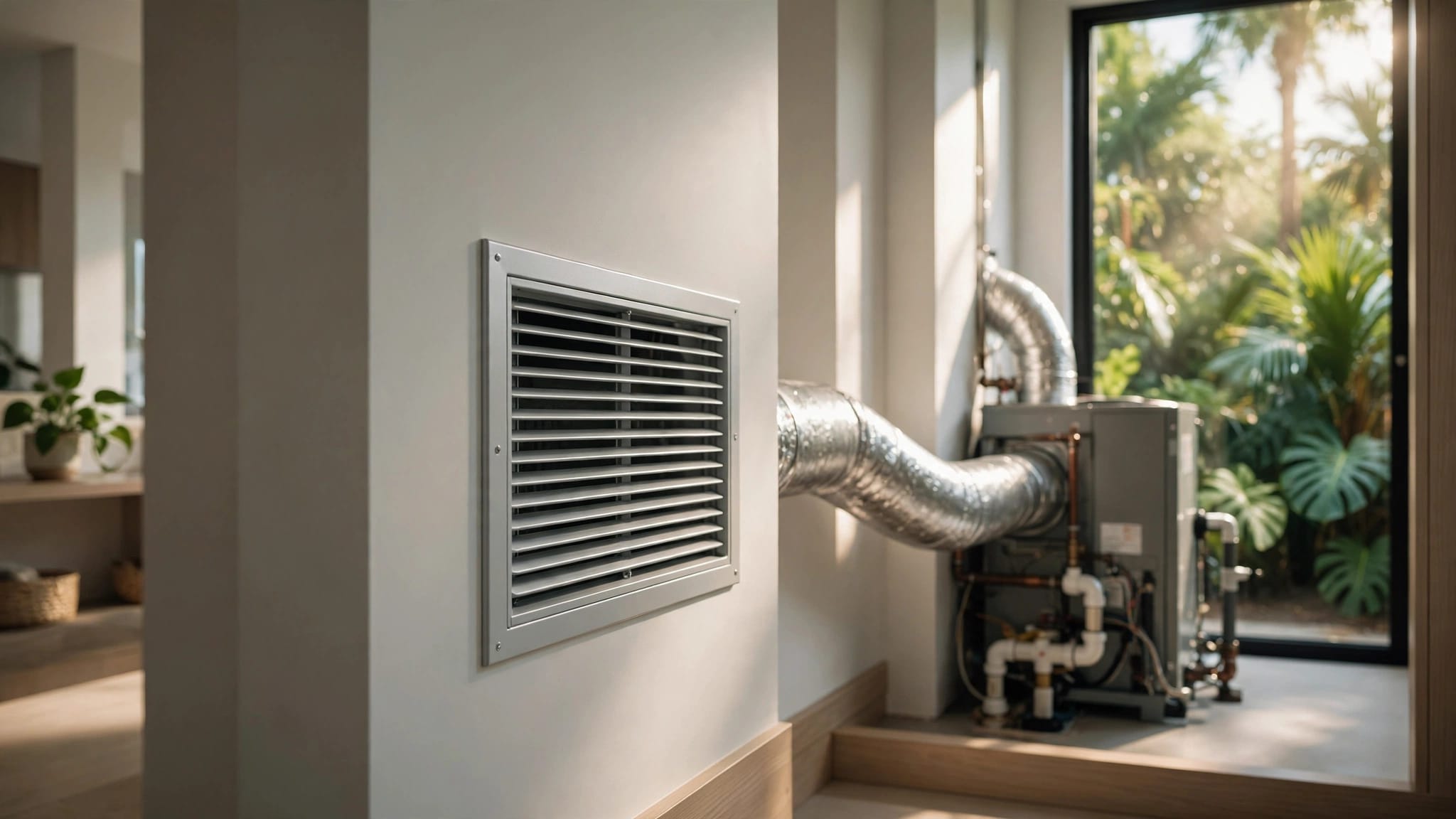
A server room can overheat even when the rest of your business feels comfortable. Server room cooling needs a plan based on the equipment, airflow, humidity, and what happens when power or cooling fails.
Cape Coral's heat and humidity add to the challenge. A standard office thermostat may not show conditions at the equipment racks, so dedicated monitoring and regular HVAC attention matter.
Why server room cooling needs its own plan
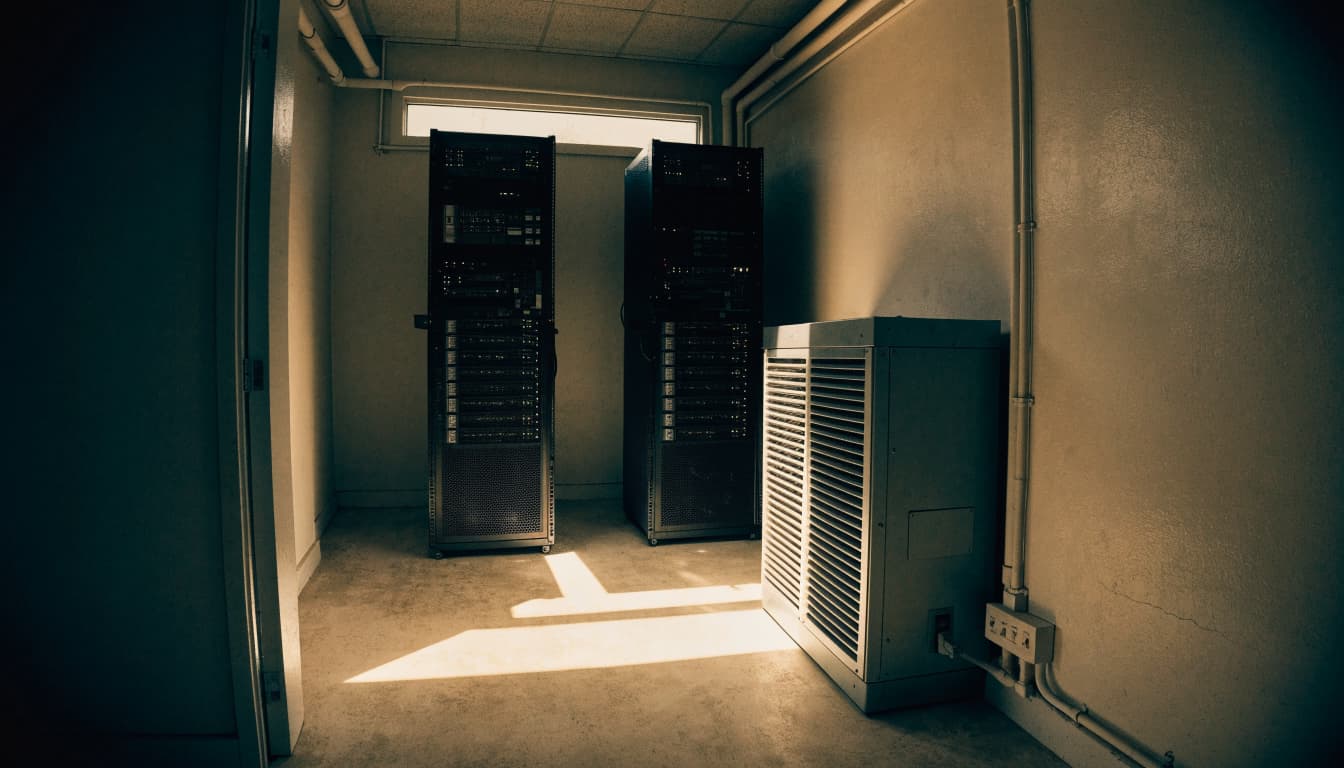
Servers, network switches, storage devices, and power equipment release heat while operating. In a small, enclosed room, that heat can build up faster than a comfort system can remove it, especially during Southwest Florida's long cooling season.
Local conditions add to the cooling demand
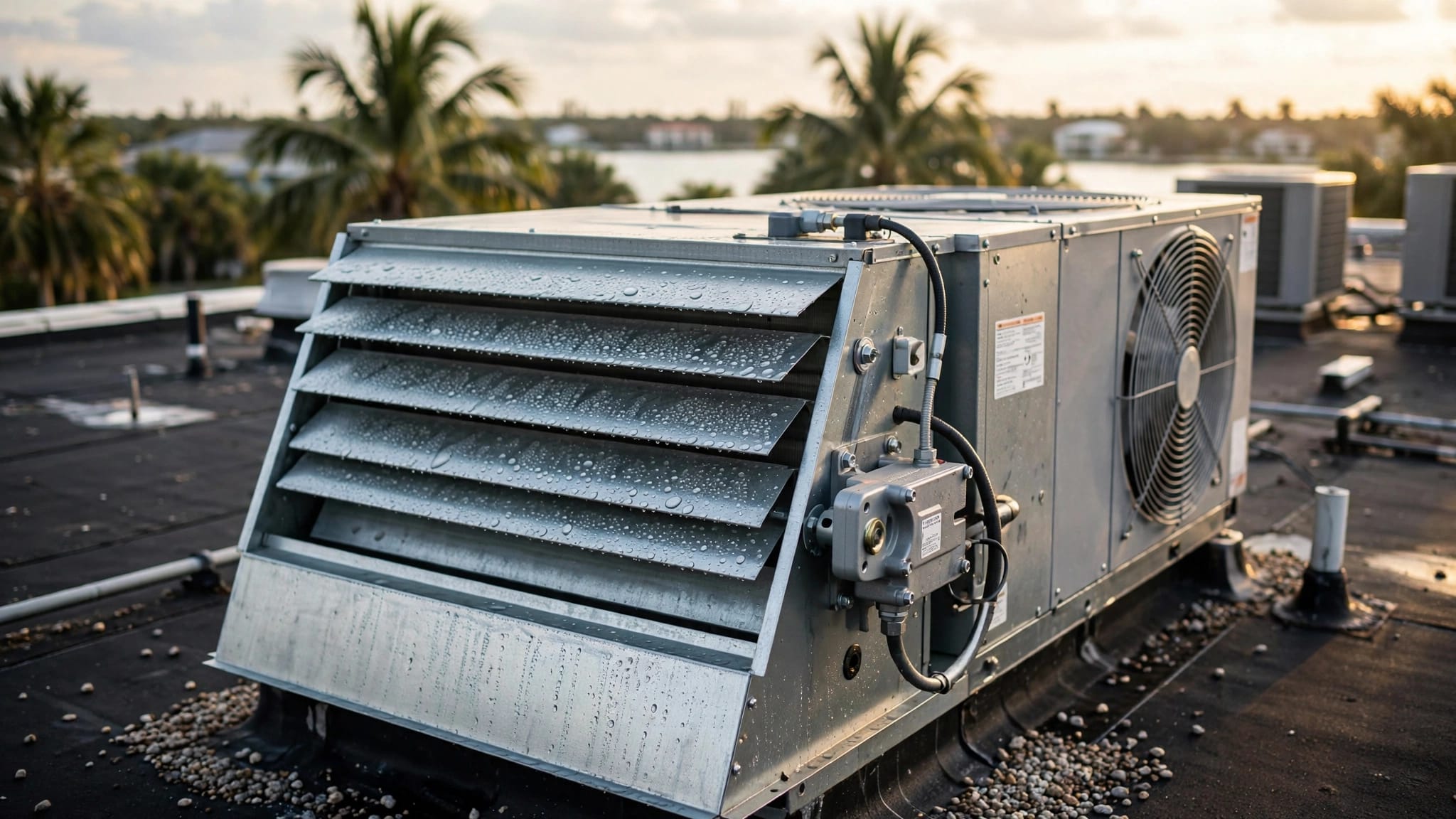
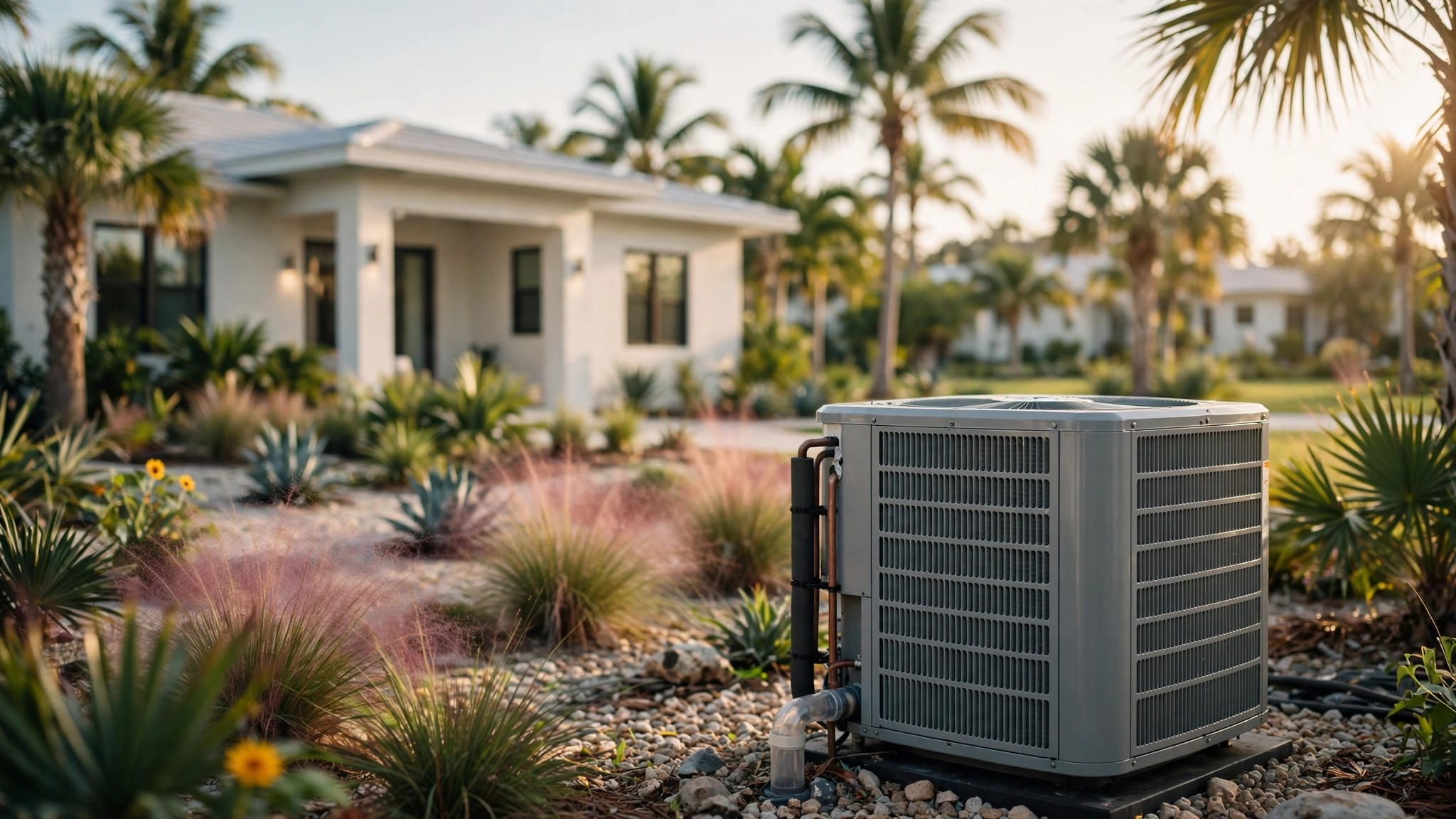
Cape Coral businesses contend with high humidity, heavy cooling loads, airborne debris, salt air, and strong summer storms. These conditions can affect HVAC operation and make routine inspection important. Outdoor equipment may face salt and weather exposure, while filters and coils can collect debris.
A server room may also run on a different schedule from the office. If the office thermostat is set back after closing, the servers still produce heat. A cooling plan should account for the room's operating hours, not only the business's occupied hours.
The room's equipment creates a concentrated load
The heat load depends on the equipment installed and how it runs. A room with a few network devices has different needs from one with several server racks, a storage array, and an uninterruptible power supply.
Because most electricity consumed by IT equipment ultimately becomes heat in the room, power-use records can help the HVAC professional understand the load. Include equipment that may be overlooked, such as UPS units and network hardware. Room size alone isn't a reliable basis for selecting cooling capacity.
Size the cooling plan around the actual IT load
A system that's too small may struggle during hot weather. A system that cools the room quickly but cycles off often may leave conditions uneven. Selecting equipment by square footage or copying the size of the office system can miss how much heat the IT equipment produces.
Gather useful load information
Start with an inventory of the room's equipment, its operating schedule, and any available power-use information. Note planned additions, because a new rack or storage device can change the cooling demand. Also record whether equipment runs continuously or draws more power during certain periods.
A qualified HVAC professional can use this information to assess the room and its cooling needs. The evaluation should also consider insulation, windows, heat from nearby spaces, ductwork, and the path for removing warm air. The existing building system may not have spare capacity simply because the office feels cool.
Account for the hottest operating conditions
Cape Coral's outdoor heat raises the demand on air-conditioning equipment. The assessment should consider the conditions the room faces during peak cooling periods, along with heat from the servers themselves. It should also account for the room's normal use, including doors that open often or equipment that runs after hours.
If the IT footprint is expected to grow, include that in the planning conversation. A cooling design based only on the current equipment can become inadequate after a business adds servers.
Airflow matters as much as cooling capacity
A room can have cooling equipment and still develop hot spots if air doesn't reach the rack intakes or warm exhaust air returns to the same equipment. Supply and return paths should work together.
Keep supply air and warm exhaust from fighting each other
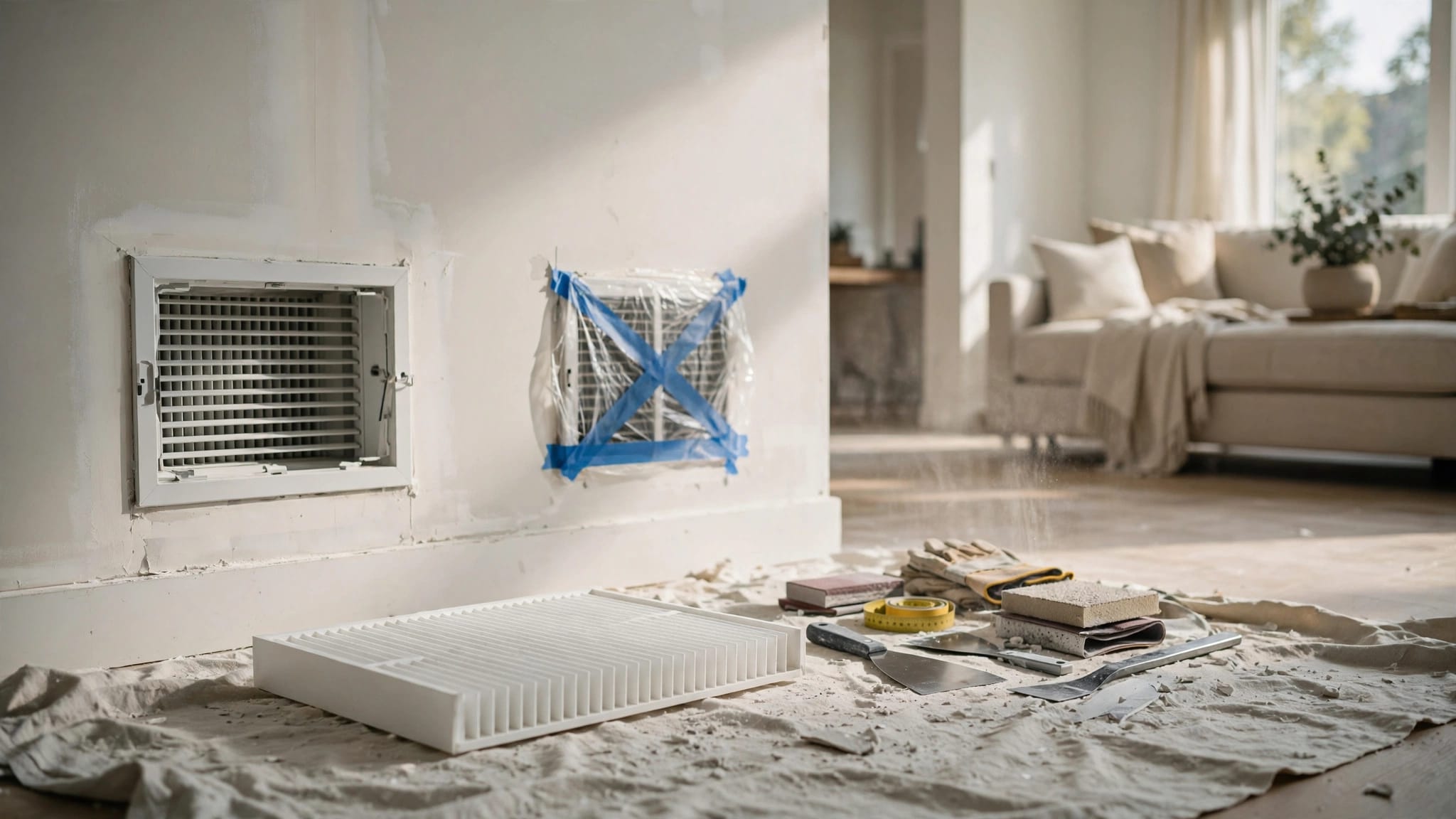
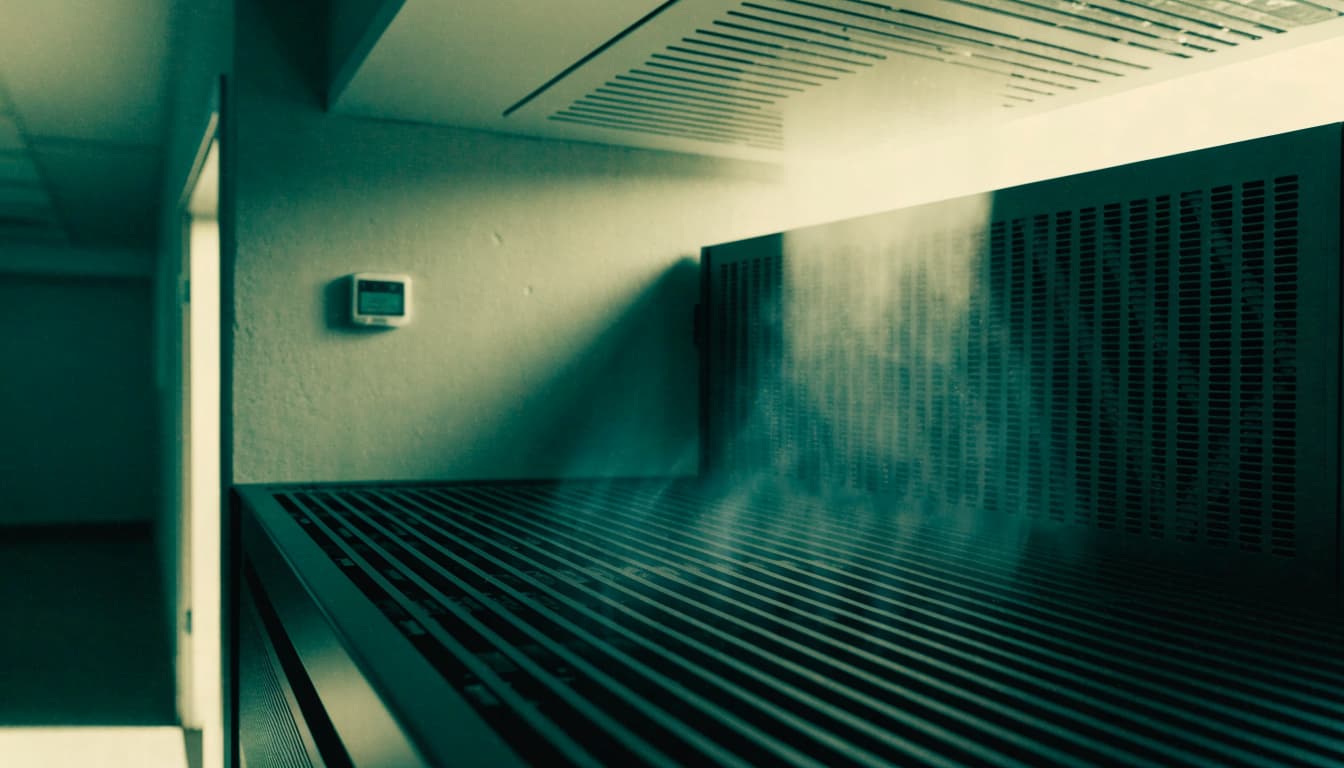
Check that supply air can reach the equipment intake and that warm air has a clear path back to the cooling system. Avoid placing boxes, spare equipment, or furniture where they block vents or rack openings. If cool air travels across the room and returns before reaching the servers, the room's thermostat may be satisfied while equipment stays warm.
Rack arrangement, room shape, and the location of supply and return grilles all affect airflow. A technician can assess whether the current layout supports the intended air path. If the room has repeated hot spots, note where and when they occur rather than lowering the thermostat for the entire space.
Keep doors, filters, and returns in mind
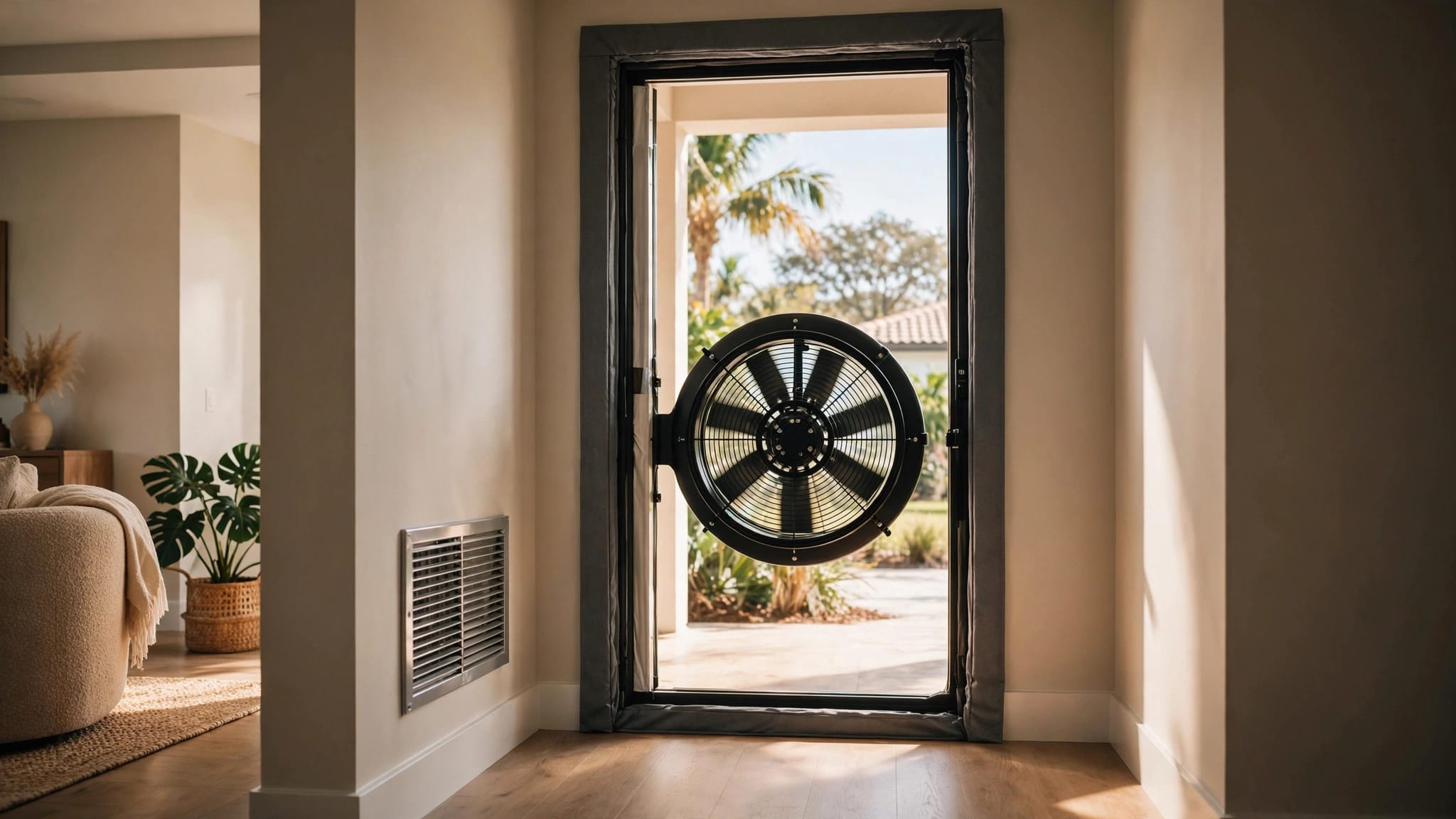
An open door can change pressure and bring warmer, more humid air into a small room. Meanwhile, a dirty filter or restricted return can reduce airflow. Follow the filter manufacturer's instructions, and keep grilles and returns clear.
Don't assume that adding a fan will solve a cooling problem. A fan can move air around, but it doesn't remove heat from the room. If airflow remains uneven, the system and duct arrangement may need professional attention.
Monitor temperature and humidity where the equipment operates
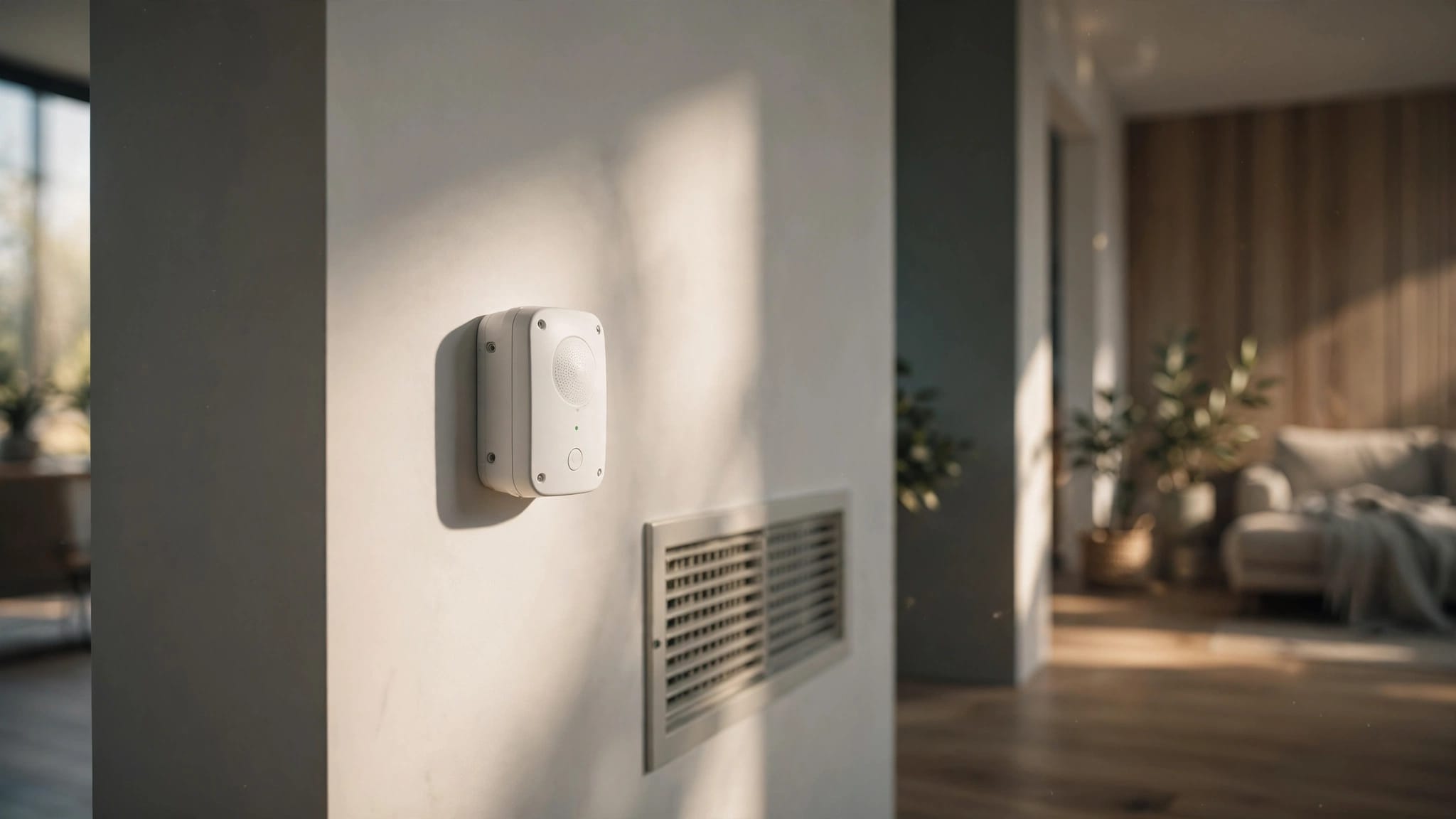
A thermostat in a hallway or office won't necessarily reflect conditions at the server racks. Use sensors in the server room, positioned to capture the air near equipment intakes rather than a spot directly in front of a supply vent or beside a door.
Track more than one point when needed
A single sensor can miss a hot corner or a rack with poor airflow. For rooms with several racks or a history of uneven conditions, place monitoring points where they can reveal differences across the space. Follow the equipment manufacturer's operating guidance when setting acceptable conditions.
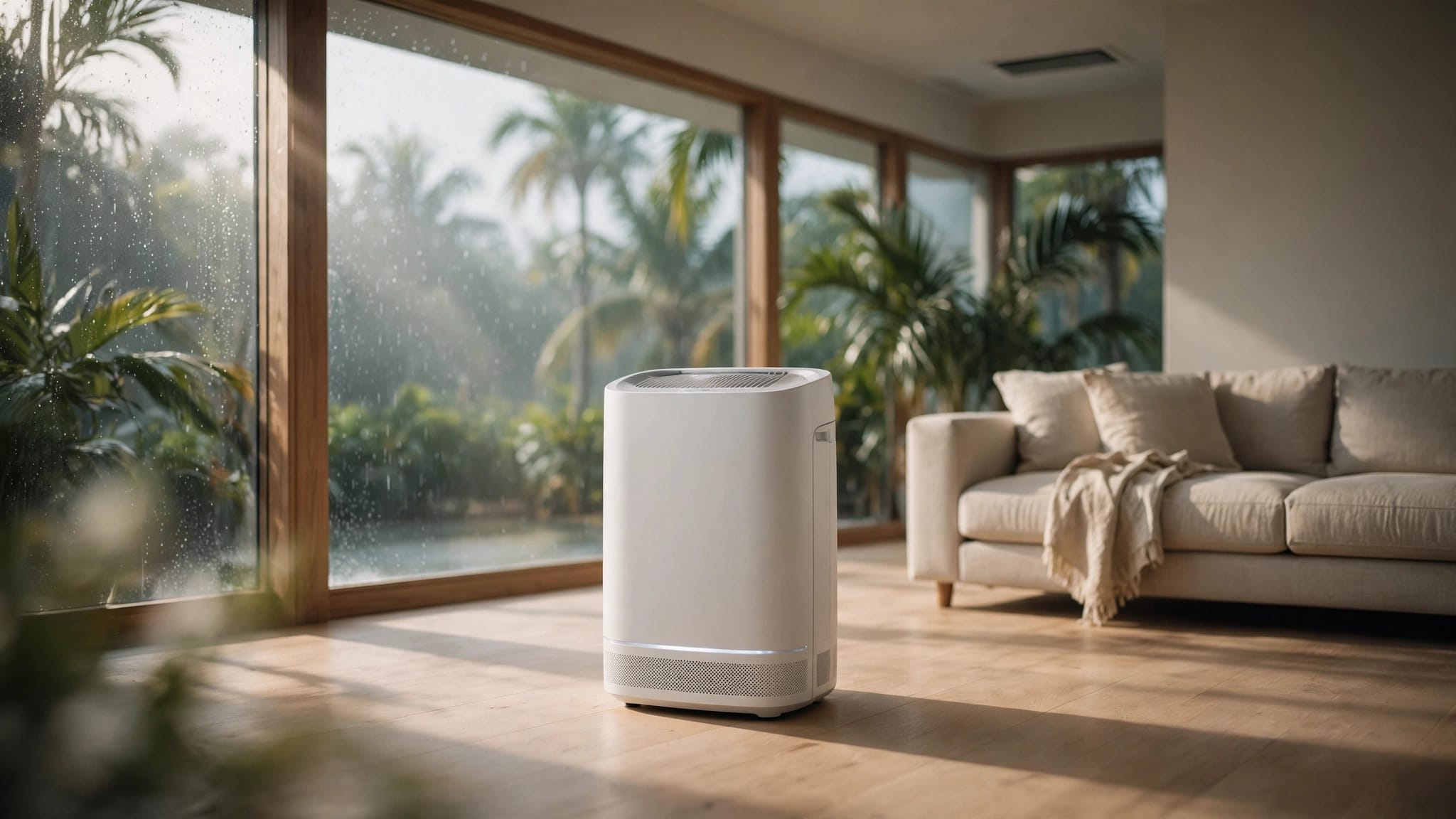
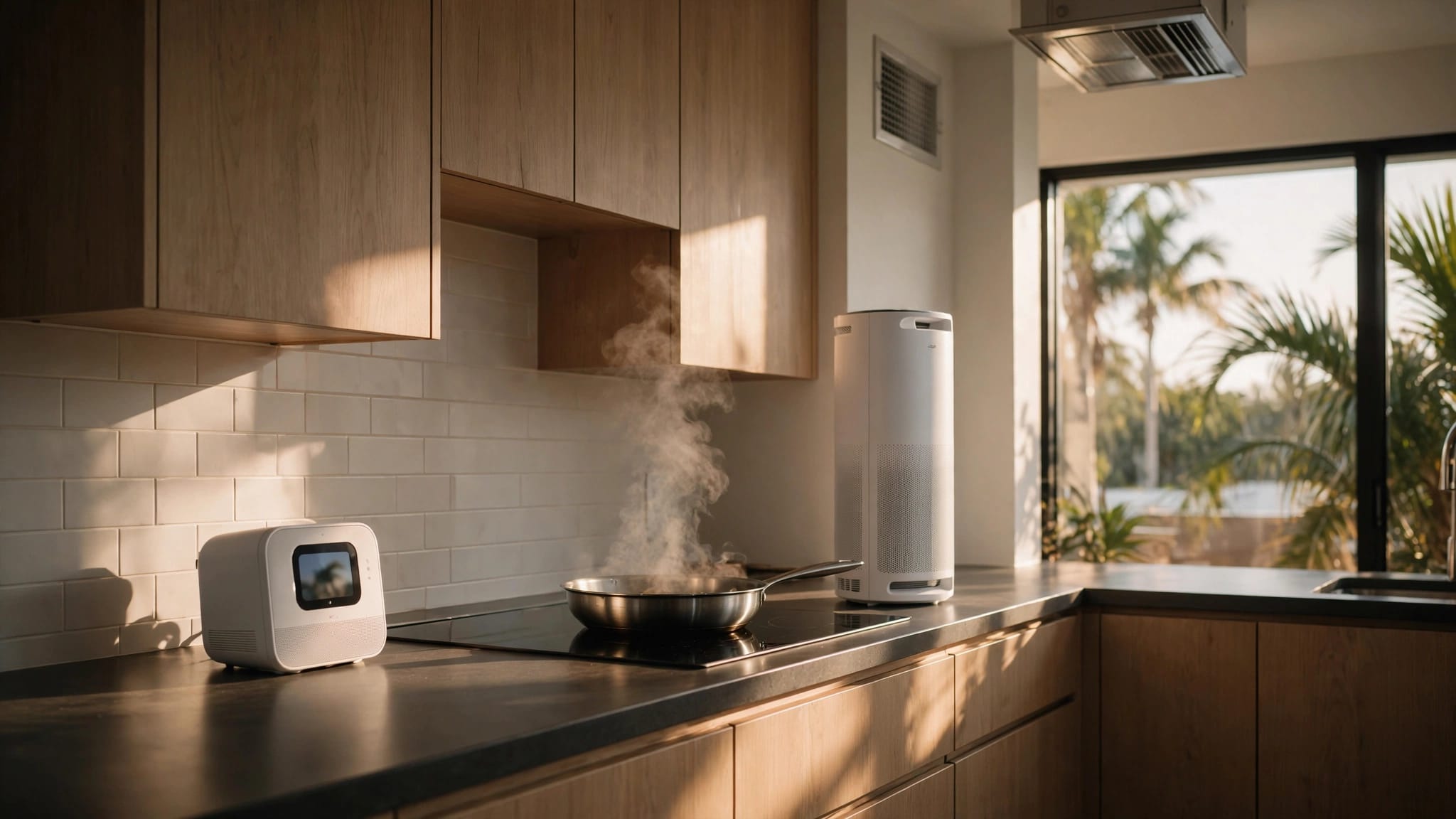
Humidity matters as well as temperature. Cape Coral's humid outdoor air can enter through doors, leaks, or poorly sealed openings. Cooling can remove some moisture, but performance depends on system operation and runtime. A temperature reading alone won't tell you whether moisture is being controlled adequately.
Set alerts and keep a simple record
Use monitoring that can alert a responsible person when conditions move outside the business's chosen operating limits. Establish who receives alerts after hours and who can respond. Record readings alongside service visits, equipment changes, and any IT alarms.
Patterns help distinguish a sudden failure from a recurring problem. For example, a rise in temperature after closing may point to a scheduling issue, while one persistently warm rack may indicate an airflow problem. The monitoring record gives an HVAC technician more useful information than a single reading during a service call.
Choose cooling equipment for the room, not the office
A server room's cooling arrangement should be selected around its heat load, operating hours, layout, and service access. In some buildings, the existing HVAC system may be suitable after a professional evaluation. In others, a separate cooling system may be more appropriate.
The key is to assess the room as its own space. If the office system shuts off overnight, determine how the server room will stay within the operating conditions required by the IT equipment. Also consider whether the room's cooling controls can respond independently when its load differs from the rest of the building.
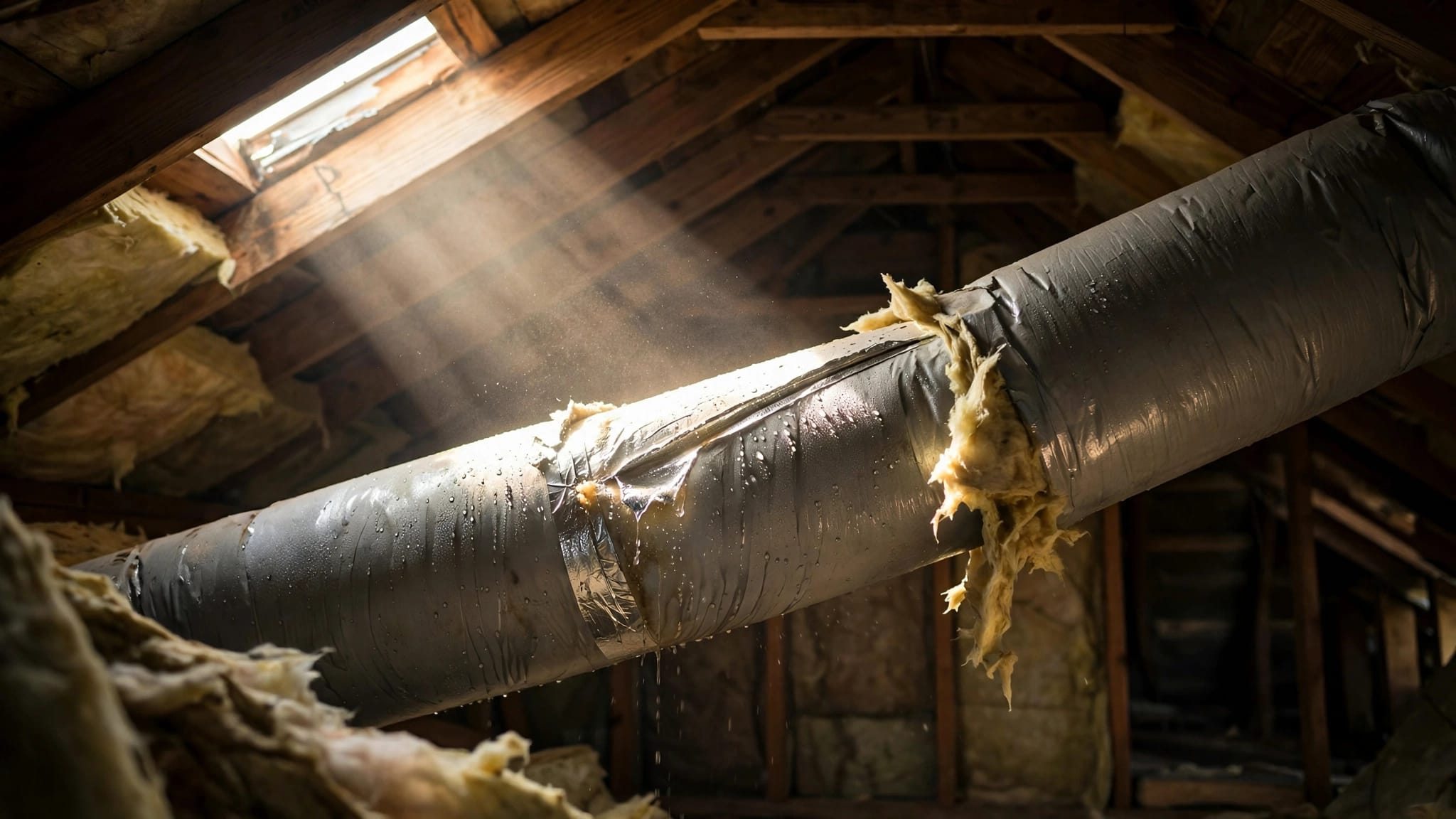
Installation details deserve attention. The equipment needs a suitable location, clear access for maintenance, and a way to manage condensate. Drainage problems can create water where electronics are present. Duct routes, return-air design, electrical needs, and service clearances should be part of the site assessment, rather than afterthoughts.
Plan for cooling interruptions and severe weather
A server room needs a response plan for equipment failure, a power outage, and severe weather. Cape Coral's summer storms make it sensible to decide in advance who responds and which systems receive attention first.
A UPS can keep IT equipment running for a limited time, but it doesn't automatically keep the cooling system operating. Businesses that need cooling during extended outages should have an electrical professional evaluate the backup-power arrangement, including what loads it can support and how the equipment starts and operates.
Write down who can authorize emergency service, who gets monitoring alerts, and how IT staff will safely shut down equipment if conditions deteriorate. After a storm, don't run HVAC equipment that shows visible damage, unusual odors, or signs of water intrusion. Arrange an inspection where needed.
For urgent HVAC problems, Back Bay Heating & Cooling offers 24/7 emergency HVAC service in Cape Coral. We serve Charlotte, Collier, Hendry, and Lee counties. Businesses can also Contact Us to schedule a service call.
Preventive maintenance protects reliable operation
Server-room cooling works harder when filters, coils, drains, or airflow paths are neglected. Regular maintenance helps identify issues before they become an urgent interruption. A commercial AC maintenance checklist for Cape Coral businesses can help facility staff keep track of routine care.
Include the components that affect performance
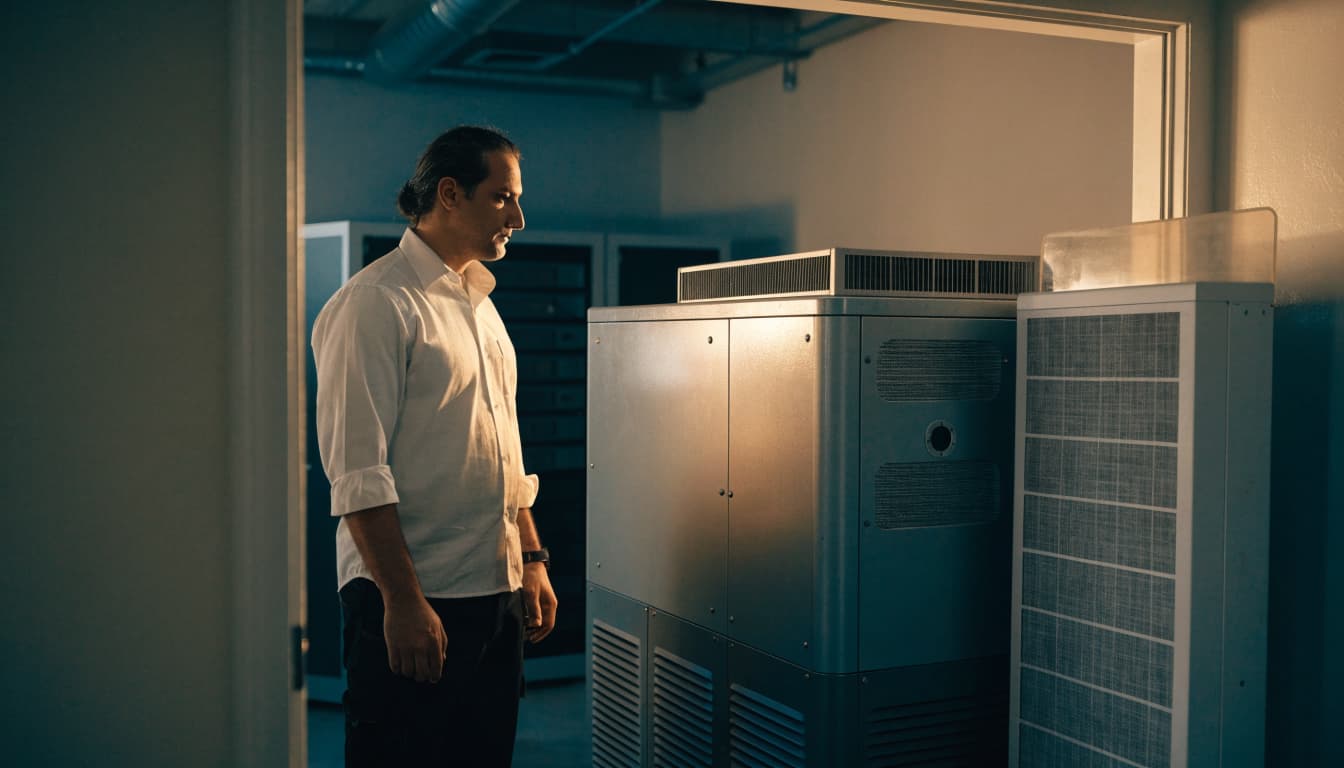
During scheduled service, have the HVAC technician inspect the system's filters, coils, blower operation, controls, and condensate drainage. The visit should also include an airflow review and attention to any recurring temperature or humidity complaints. Keep service access clear so these tasks can be completed.
Between visits, staff can observe filter condition, keep vents unobstructed, and watch for water near indoor equipment. Don't open electrical compartments or attempt repairs. If the system's behavior changes, share the monitoring records and the timing of the problem with the service technician.
Keep service records and plan ahead
Record equipment details, service dates, repairs, and recurring issues. A written history helps identify repeated drain problems, rising humidity, or longer cooling recovery after the room door opens. It can also support decisions about repair or replacement.
Back Bay Heating & Cooling offers Cape Coral HVAC maintenance agreements. A maintenance arrangement can help businesses schedule service and understand the terms that apply to additional repairs.
Key takeaways for small server rooms
- Base the cooling assessment on actual IT equipment and operating hours, not room size alone.
- Keep supply air, rack intakes, exhaust, and return paths unobstructed.
- Monitor temperature and humidity inside the room, and alert someone who can respond.
- Plan for HVAC interruptions separately from IT backup power.
- Maintain filters, coils, controls, airflow, and condensate drainage on a regular schedule.
FAQ about server room cooling
Can the office air conditioner cool a server room?
It may, but an HVAC professional needs to assess the room's heat load, ductwork, airflow, and operating schedule. An office thermostat may not reflect conditions at the racks, particularly after business hours.
Should a server room have its own temperature sensor?
Yes. A sensor in the room provides more useful information than relying on a thermostat outside it. Place it to measure air near the equipment, and use additional points if the room has multiple racks or uneven conditions.
Does a UPS provide backup cooling?
A UPS can support connected IT equipment for a limited period, but it doesn't automatically power the air conditioner. Backup cooling depends on the building's electrical setup and the backup system's capacity.
How often should server-room HVAC equipment be maintained?
Follow the equipment manufacturer's recommendations and arrange routine professional maintenance. Check filters and room conditions between visits, especially during Cape Coral's heavy cooling season.
Keep the room's conditions visible
Reliable server room cooling starts with the heat the equipment produces and the way air moves through the room. In Cape Coral, humidity, weather, and long cooling periods make monitoring and maintenance part of the operating plan.
When staff can see changing conditions and know who responds, a cooling issue is less likely to go unnoticed until equipment is affected.