Hot rooms often tempt homeowners to lower the thermostat more than necessary. Using ceiling fans with central AC can improve comfort, but only when you understand what each system actually does.
A ceiling fan moves air across your skin, while central air conditioning lowers indoor temperature and removes moisture. The right combination can help you feel comfortable without running fans in empty rooms or making the AC work harder than needed. Start by separating comfort from actual cooling.
Ceiling Fans and Central AC: What Each One Does
Central AC pulls warm indoor air through return vents. The system removes heat as the air passes over a cold coil, then sends the conditioned air back through supply vents. During this process, the AC also removes some humidity.
A ceiling fan works differently. It doesn't lower the room's air temperature or change the thermostat reading. Instead, it creates air movement across your skin, which helps sweat evaporate and makes the room feel cooler.
Fans improve how the room feels
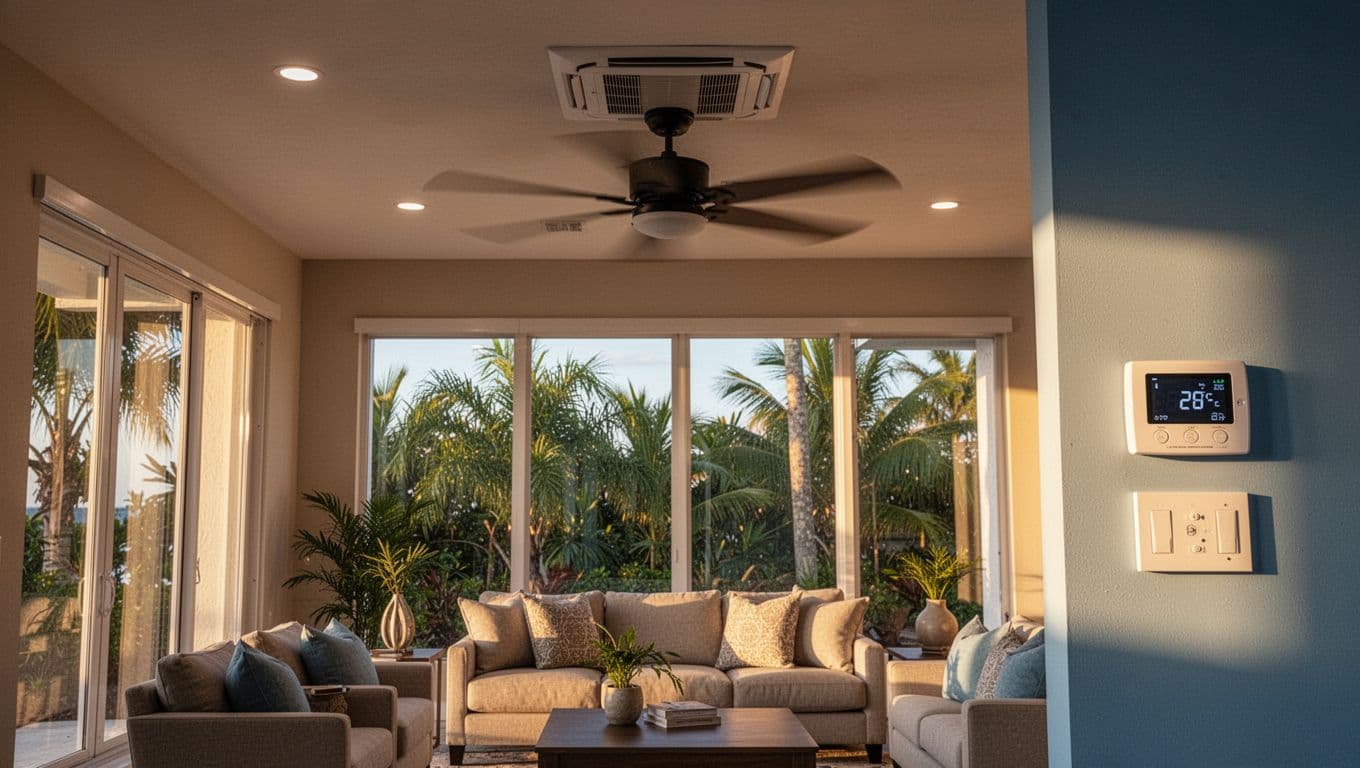
Air movement can make a room feel more comfortable at the same thermostat setting. You may feel cooler while sitting beneath a fan, even though the air temperature remains unchanged.
That distinction matters because fans provide a personal cooling effect. They don't cool furniture, walls, or empty rooms. Once everyone leaves, the fan keeps using electricity without improving comfort.
A ceiling fan changes perceived comfort, while central AC changes air temperature and humidity.
The AC controls temperature and moisture
Central AC remains responsible for cooling the home. It also plays a major role in Florida because high indoor humidity can make a moderate temperature feel sticky.
If the room feels damp, a fan may increase the sensation of airflow without solving the moisture problem. Keep the AC maintained and allow it to complete normal cooling cycles.
How to Use Ceiling Fans With Central AC, Step by Step
Follow this routine when you want better comfort in an occupied room:
- Close exterior doors and windows before running the AC. Open windows allow hot, humid outdoor air into the home.
- Set the thermostat to your normal comfort temperature. Lowering it sharply won't make the system cool the room faster.
- Check that the ceiling fan rotates counterclockwise when viewed from below. This direction usually pushes air downward.
- Turn on the central AC and run the ceiling fan in rooms where people are spending time.
- Start with low or medium fan speed. Increase it only if the room still feels warm.
- Turn the fan off when the room becomes empty. Use a timer or smart control if you often forget.
Using ceiling fans with central AC doesn't require running every fan in the house. Room-by-room control usually feels better and avoids unnecessary fan operation.
If a fan creates too much airflow, reduce the speed before changing the thermostat. A gentle breeze is often enough when the AC is already removing heat and humidity.
When to Turn Ceiling Fans On and Off
The best time to run a ceiling fan is when someone is in the room. The breeze affects people, not the room itself, so occupancy should guide your routine.
Run fans in occupied rooms
Turn on the fan before or soon after you enter a warm living room, bedroom, or home office. The moving air can make the space feel comfortable while the AC brings the room to its set temperature.
In a bedroom, use low speed at night if you like the airflow. A timer can shut it off after you fall asleep. You can also turn the fan off if the breeze becomes uncomfortable or dries your eyes.
Ceiling fans can help with rooms that feel slightly warmer than nearby spaces. However, a major temperature difference may point to ductwork, insulation, airflow, or equipment problems.
Turn fans off in empty spaces
Turn off fans in vacant bedrooms, guest rooms, hallways, and living areas. Keeping a fan on doesn't preserve the cooling already produced by the AC.
You can leave the central AC set to its normal schedule while turning off individual fans. The air conditioner will continue maintaining the home's temperature and humidity.
When outdoor air is cool and dry, opening windows may provide natural ventilation. In Cape Coral and other humid Florida areas, however, open windows during hot weather can add moisture and make the AC run longer.
Set Fan Direction and Speed for Better Comfort
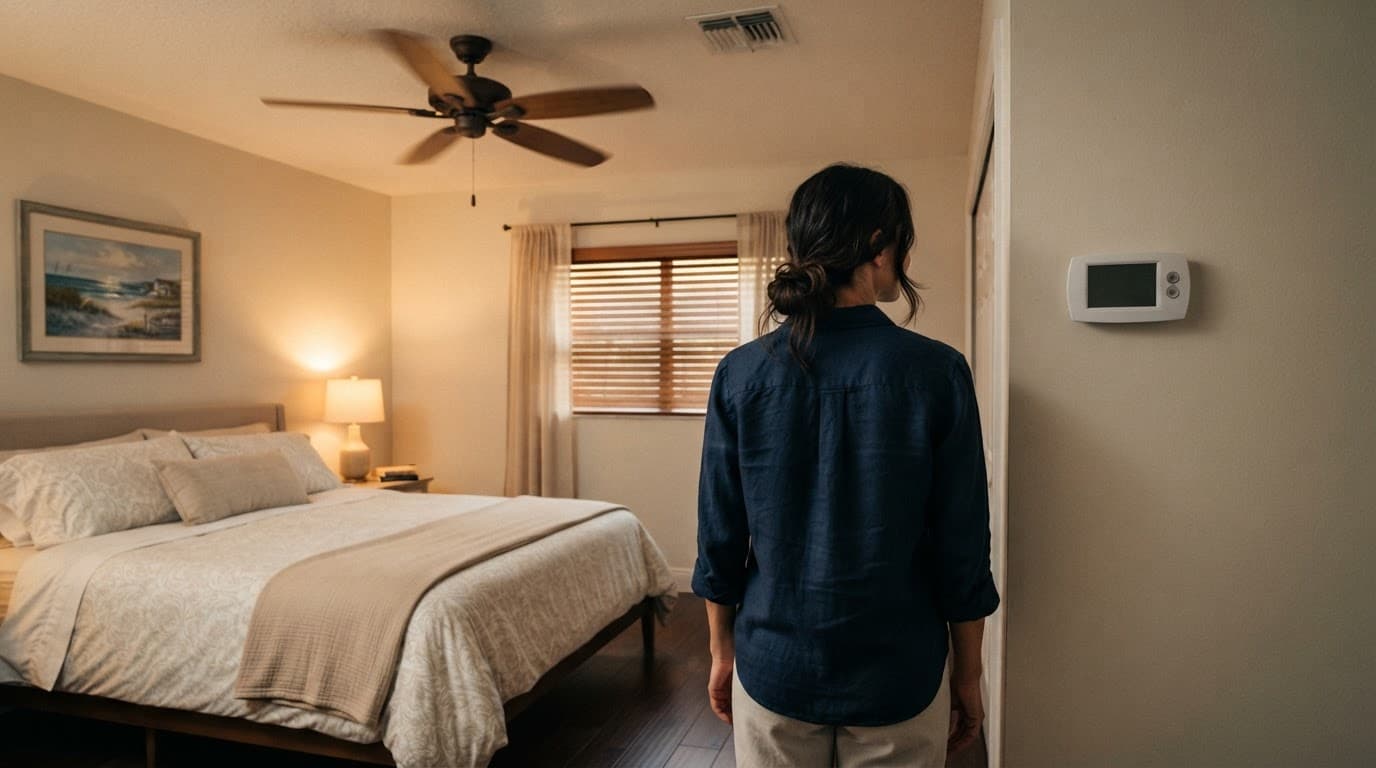
Fan direction has a direct effect on summer comfort. Stand beneath the fan and look upward. In cooling mode, the blades should generally rotate counterclockwise, pushing air down toward the occupied area.
Most modern ceiling fans have a reverse switch on the motor housing or a setting on the remote. Turn the fan off before changing direction. Never reach near moving blades or climb on an unstable chair to access the switch.
Use the lowest comfortable speed
Low speed often provides enough airflow when central AC is operating. Medium speed may work better in a large living room or an open floor plan. High speed can create a strong draft, add noise, and feel uncomfortable for some people.
Keep furniture and tall objects clear of the fan's airflow. A fan that wobbles, clicks, or scrapes may have a loose mounting connection, damaged blade, or balance problem.
Clockwise rotation at low speed usually moves air upward. That setting can help circulate warm air during heating season, but counterclockwise rotation is generally the better choice for summer cooling.
Adjust the Thermostat Without Chasing a Colder Room
A ceiling fan can make you feel cooler without changing the thermostat setting. For example, airflow may help you stay comfortable at your usual temperature rather than lowering the thermostat whenever you feel warm.
Set the thermostat to a reasonable comfort level and give the AC time to complete its cycle. Constantly changing the setting can cause longer runtimes and uneven comfort, especially during hot afternoons.
Keep humidity in mind
Temperature isn't the only measure of comfort. If the house feels clammy, the AC may need to run long enough to remove moisture. A ceiling fan won't dry the air.
Check that the system uses the thermostat's AUTO fan setting unless your HVAC professional recommends another option. The ON setting runs the indoor blower continuously, even when the compressor isn't cooling. In humid climates, continuous blower operation can sometimes move moisture back into the home after the cooling cycle ends.
Any reduction in AC runtime or electrical use varies by the home's layout, climate, fan motor, thermostat setting, insulation, and AC condition. Treat the fan as a comfort tool, not a guaranteed energy-saving device.
Create a Room-by-Room Cooling Routine
A single fan setting won't work equally well throughout the house. Each room has different occupancy, sun exposure, ceiling height, and airflow.
Living rooms and open spaces
Run the fan when people gather in the room. Counterclockwise airflow can spread comfort across a seating area while the AC supplies cool air through nearby vents.
Keep return grilles and supply vents clear. A sofa, curtain, or cabinet blocking a vent can reduce airflow and make the fan seem less effective.
In an open floor plan, one fan may not reach every seating area. Use the fan where people sit instead of choosing a higher speed that creates excessive airflow across the entire space.
Bedrooms
Use a low setting for sleeping. Direct the airflow toward the bed, but adjust the angle or speed if you wake with dry eyes, a sore throat, or an overly cool sensation.
Close blinds during sunny afternoons to reduce heat entering through the glass. The fan helps with comfort, but shading the room can reduce the heat that the AC must remove.
Rooms without ceiling fans
Don't run a fan in a nearby room and expect it to cool a closed bedroom. Airflow works best when the fan operates in the space where people are present.
Keep interior doors positioned according to your home's airflow needs. If a room remains hot with an open supply vent and a clean filter, the issue may involve duct leakage, inadequate return airflow, or AC performance.
Troubleshoot Common Fan and AC Problems
Simple checks can solve some comfort complaints. They can also show when a ceiling fan isn't the source of the problem.
Start with safe checks
| What you notice | What to check first |
|---|---|
| The fan runs, but the breeze feels weak | Confirm counterclockwise rotation, clean dusty blades, and try a higher speed |
| The room stays hot while the fan runs | Check the AC filter, open supply vents, and keep return grilles clear |
| The fan wobbles or makes new sounds | Turn it off and look for loose parts or an unstable mounting point |
| The home feels cool but damp | Check the AC's operation and schedule professional service if humidity persists |
Dust on fan blades can reduce airflow and spread particles around the room. Turn off power to the fan before cleaning, and use a stable step ladder if you can safely reach it. Follow the manufacturer's cleaning and maintenance instructions.
You can also review these safe AC maintenance tasks for Florida homeowners for routine checks that don't require opening electrical panels or handling refrigerant.
Know When the Fan Isn't the Problem
A ceiling fan cannot correct warm air from the supply vents, a refrigerant issue, a blocked condensate drain, or a failing compressor. Call an HVAC professional if the AC blows warm air, runs constantly, leaks water, trips a breaker, makes unusual noises, or produces a burnt smell.
The same applies when one room stays hot despite a clean filter, open vents, and correct fan direction. A technician can check airflow, ductwork, refrigerant, electrical components, and system performance.
For homeowners in Cape Coral and nearby Southwest Florida communities, Cape Coral air conditioning repairs can address problems that fan adjustments can't solve. If the system is old, unreliable, or unable to keep up with the home's cooling load, air conditioning installation in Cape Coral may provide a better long-term solution.
Keep safety first. Don't remove electrical covers, bypass a breaker, open the AC cabinet, or handle refrigerant without the proper training and equipment. If you need a service call, Contact Us to schedule help.
Conclusion
Ceiling fans and central AC work well together because they handle different jobs. The AC lowers temperature and removes humidity, while the fan improves how cool people feel in occupied rooms.
Run fans only where people are present, use counterclockwise rotation during cooling season, and choose the lowest comfortable speed. If the home remains hot, damp, noisy, or unevenly cooled, adjust the fan only after checking the AC itself. The right ceiling fans with central AC routine improves comfort without confusing airflow with actual cooling.