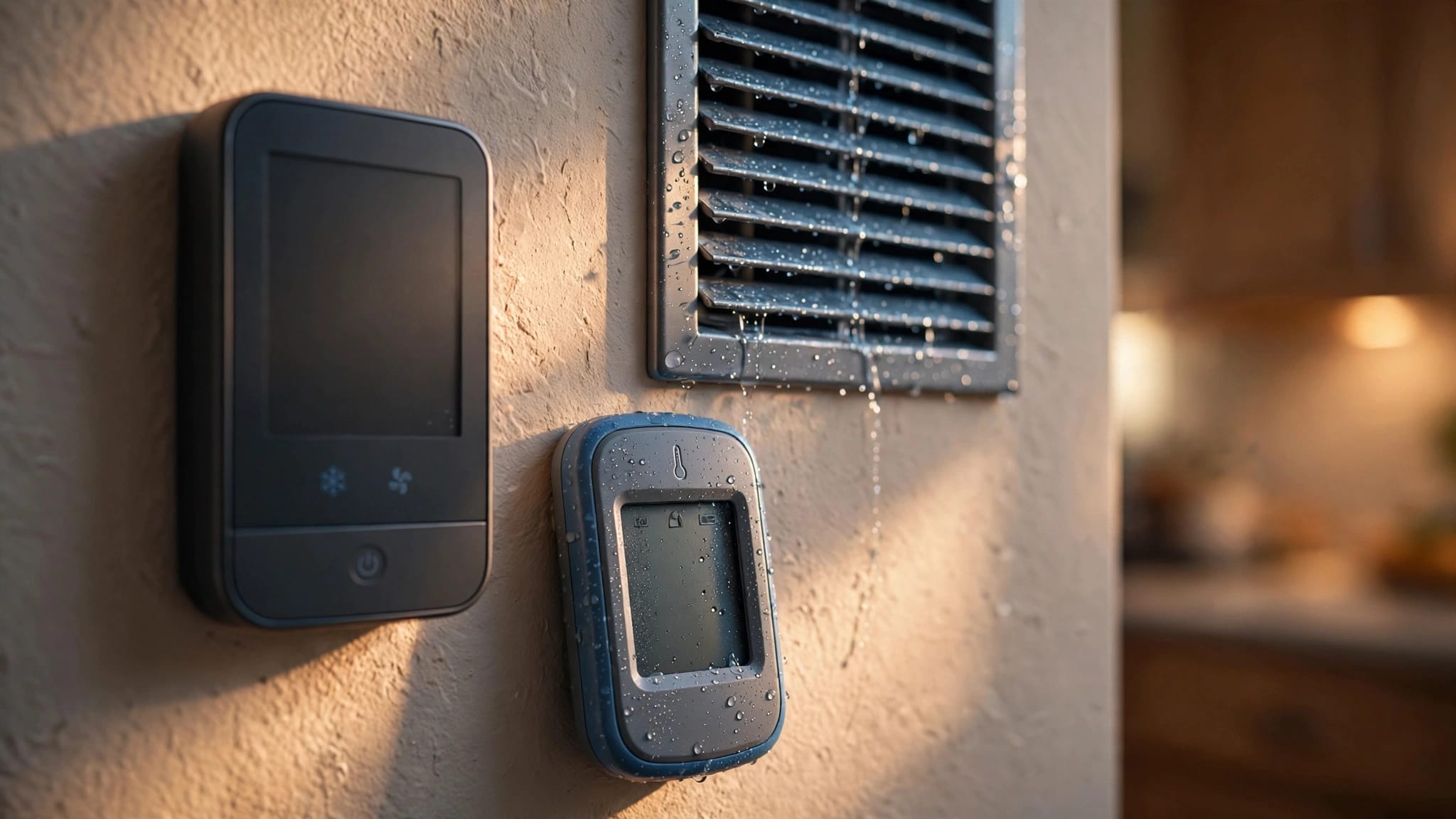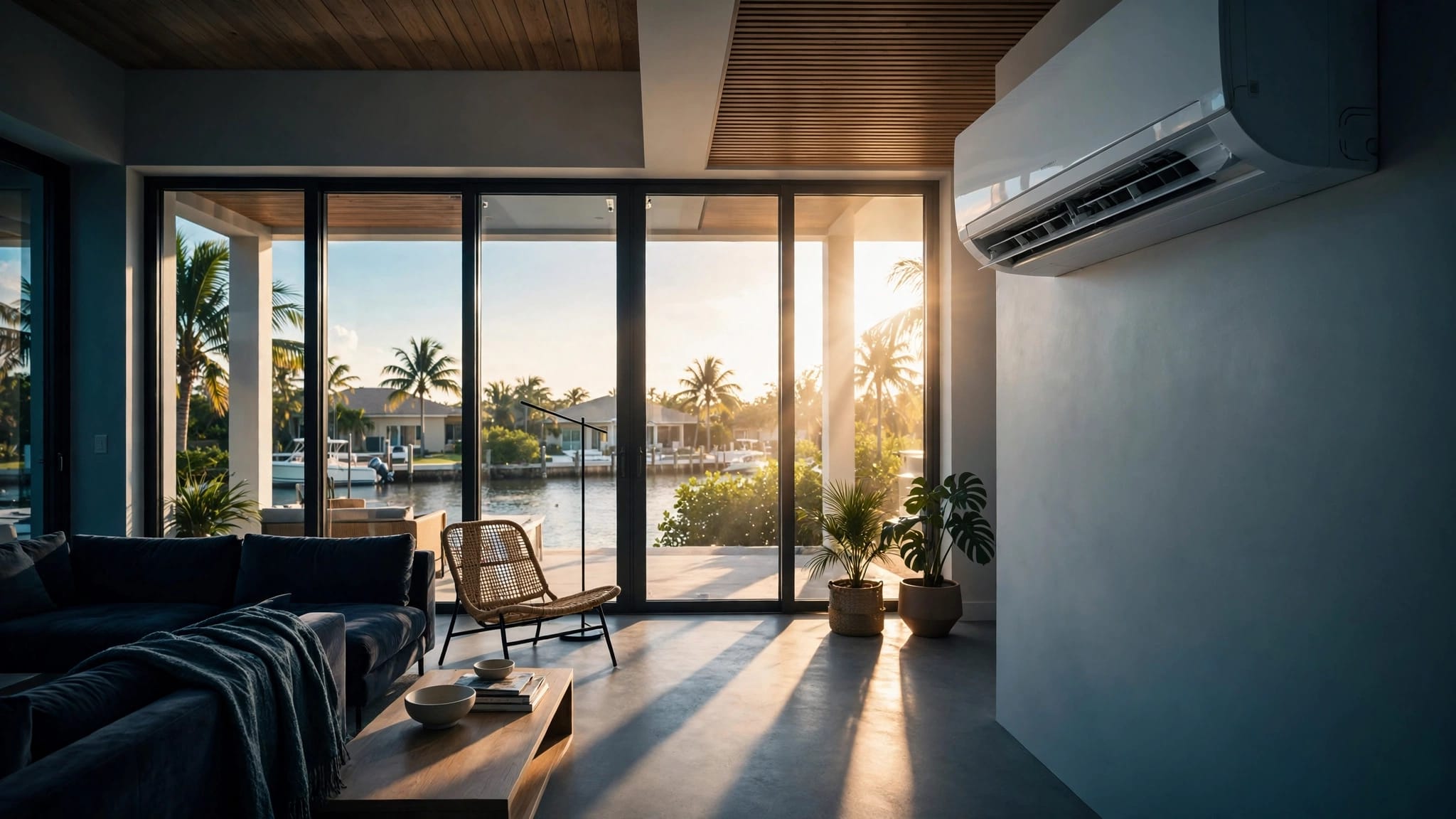
Cape Coral summers hit hard with heat indexes over 100 degrees and sticky humidity that lingers indoors. You crank the AC, but bills climb while comfort slips away. The right summer thermostat settings balance cool air, low humidity, and energy savings without overworking your system.
Poor choices strain your HVAC and spike costs. Instead, smart adjustments keep your home pleasant. Let's break down practical settings for your routine.
Why Thermostat Settings Matter in Cape Coral
High humidity makes Cape Coral feel hotter than the thermometer shows. Your AC fights heat and moisture at once. Set the thermostat too low, and it runs nonstop, pulling more power.
Comfort comes from temperature plus humidity below 60%. A dehumidifying AC handles both. For example, 78 degrees feels cooler than 72 if air stays dry.
Energy Star suggests 78 degrees saves up to 10% per degree raised. In our coastal air, salt and storms add wear. Proper settings extend system life. Check HVAC maintenance agreements Cape Coral to stay ahead.
Homeowners often ignore this. As a result, uneven cooling or high bills follow. Next, see daytime targets.
Ideal Daytime Thermostat Settings
Aim for 76 to 78 degrees when home during the day. This range cools effectively without excess runtime. Your body adapts, especially with fans.
Ceiling fans create a wind-chill effect, dropping perceived temperature by 4 degrees. Run them counterclockwise for downward airflow. Therefore, you stay comfortable at higher settings.
Test it yourself. Start at 78, add fans, and adjust down only if needed. Avoid dropping below 75; it overloads coils in humid air.
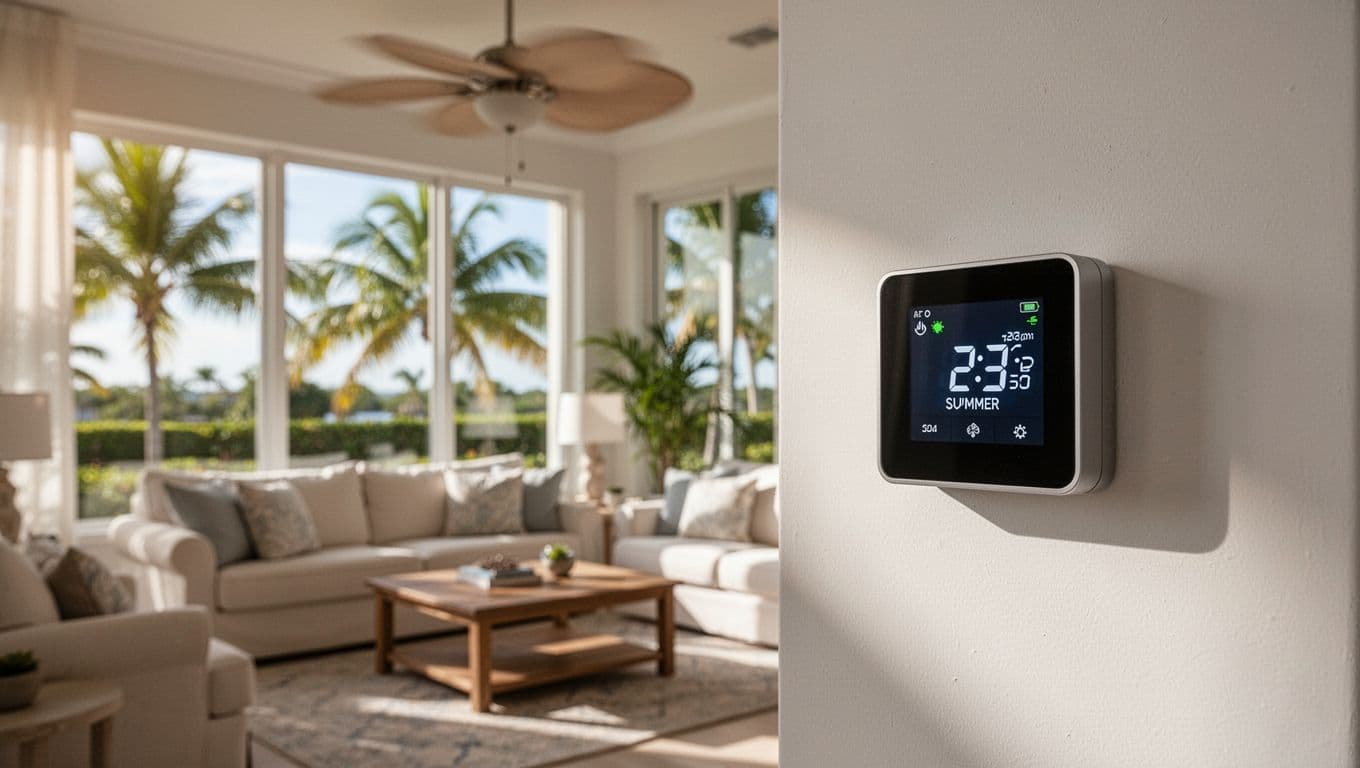
Programmable thermostats automate this. Set back 2 degrees when cooking or showers add steam. In short, these habits cut bills 15-20%.
Nighttime and Sleep Adjustments
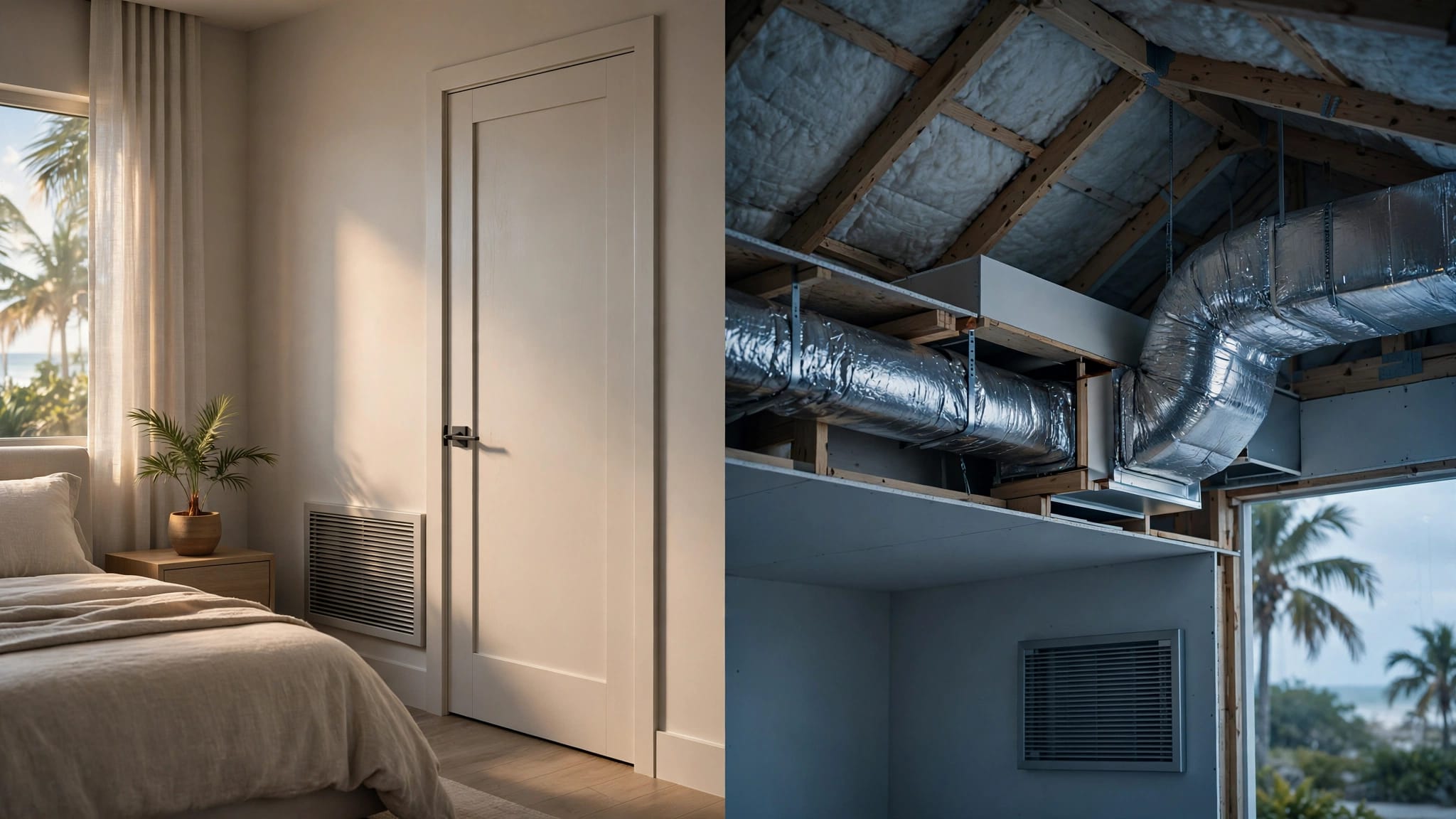
Drop to 74-76 degrees at bedtime. Cooler air helps sleep, but don't go lower. Humidity rises at night without breezes.
Use a fan on low or open windows if safe. Pair with breathable sheets. As a result, you wake refreshed without shocking the AC.
Seasonal residents return to stuffy homes. Pre-cool an hour before bed. However, if humidity clings above 55%, check your system.
Short cycling or weak airflow signals trouble. Air conditioning repair Cape Coral fixes these fast.
Settings When Away or on Vacation
Raise to 80-82 degrees when at work or out. Your home won't heat much in a few hours. This prevents mold from trapped moisture.
Away longer? Set 82-85 with a humidity cap at 60%. Smart thermostats text alerts for spikes. For example, Ecobee or Nest learn your patterns.
Vacation mode saves big. One degree higher cuts 3-5% energy. Still, monitor remotely. High humidity indoors damages wood and walls.
Before leaving town, clean filters. It keeps air moving.
Managing Humidity with Fans and Dehumidifiers
Humidity trumps temperature for comfort. AC removes some, but fans help circulate dry air. Set fans medium; they enhance evaporation on skin.
Add a whole-home dehumidifier if levels exceed 60%. Standalone units work for bathrooms. Therefore, 78 degrees feels like 72.
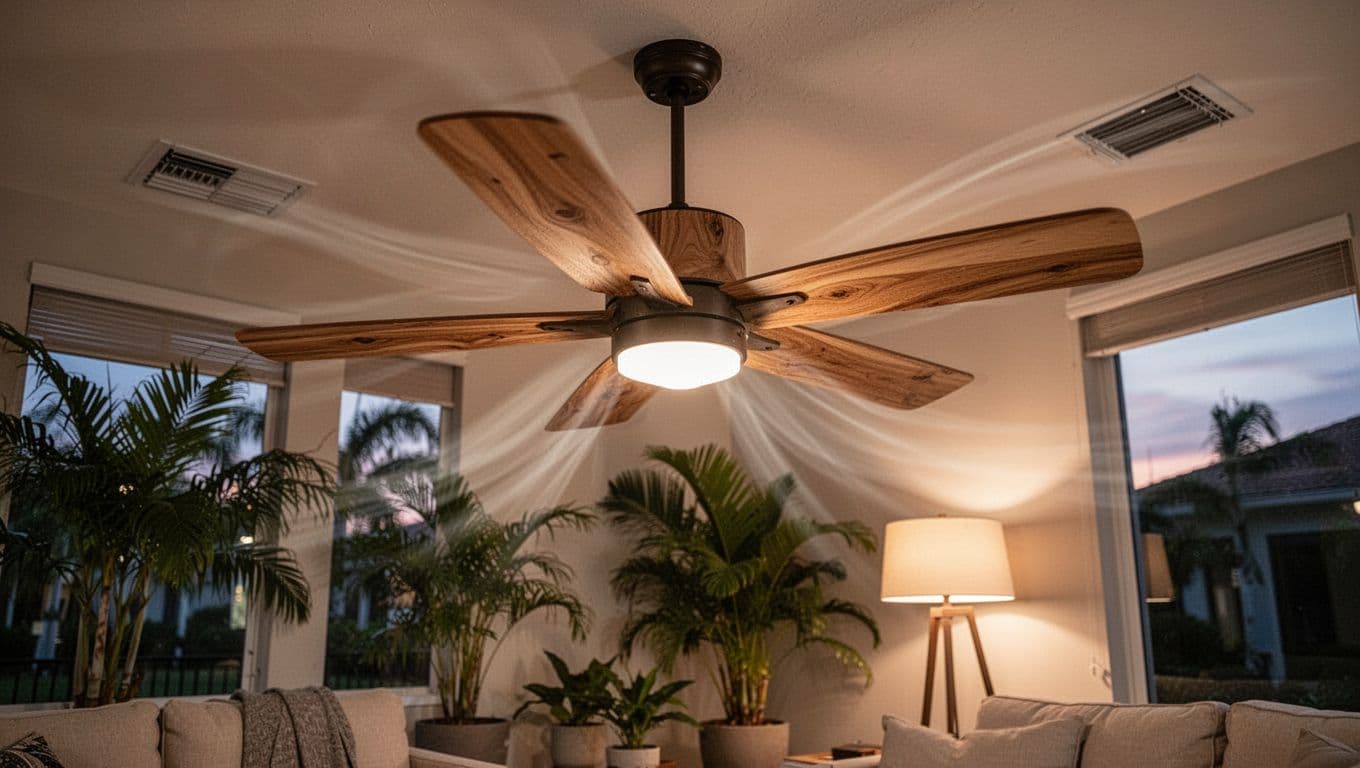
Tropical plants add moisture, so balance with vents open. Close blinds midday. These steps maintain balance without constant AC.
Protecting Your HVAC During Peak Heat
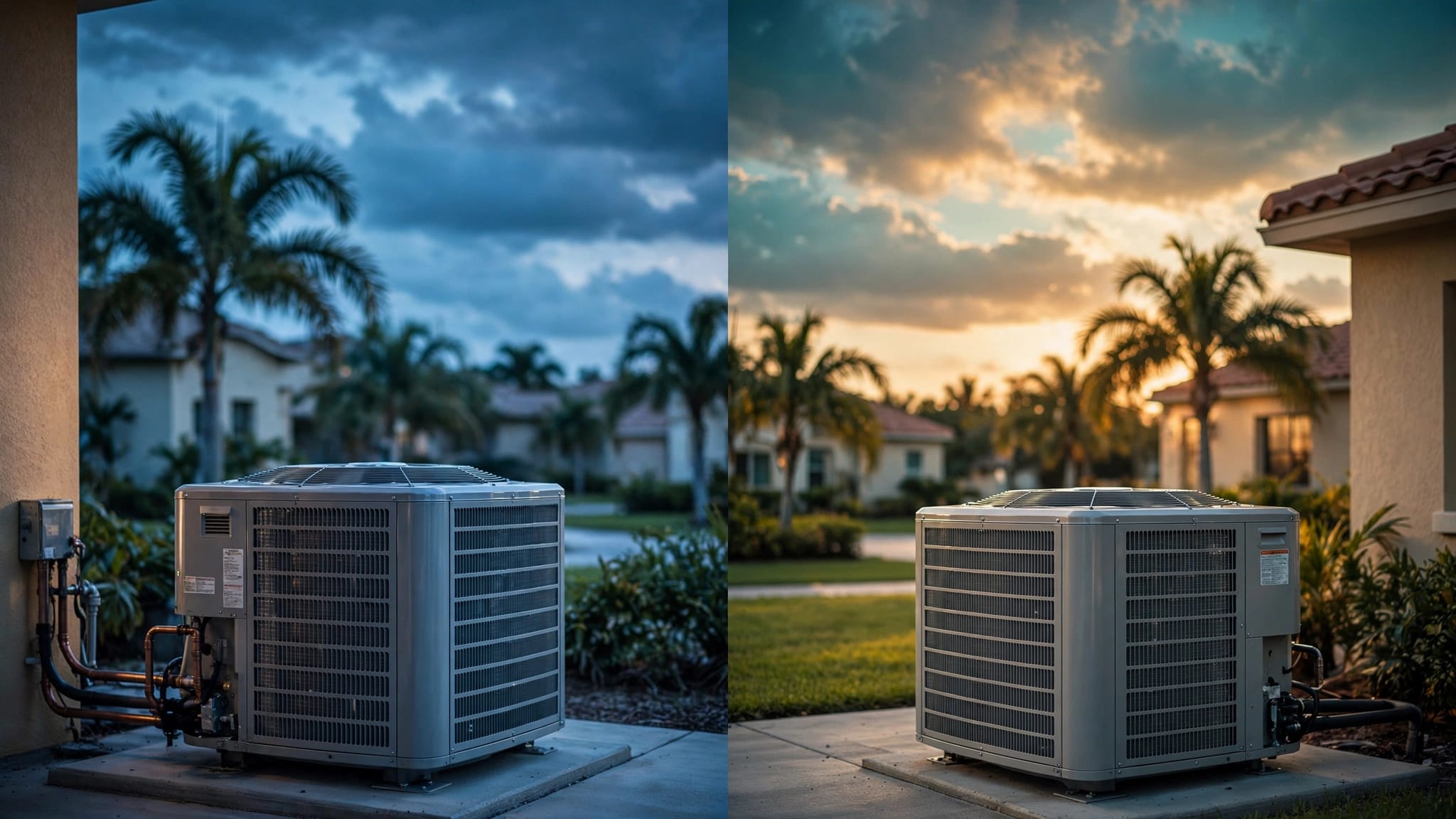
Prolonged 90-degree days stress units. Avoid low settings; they freeze coils. Instead, steady 78 degrees lets it cycle normally.
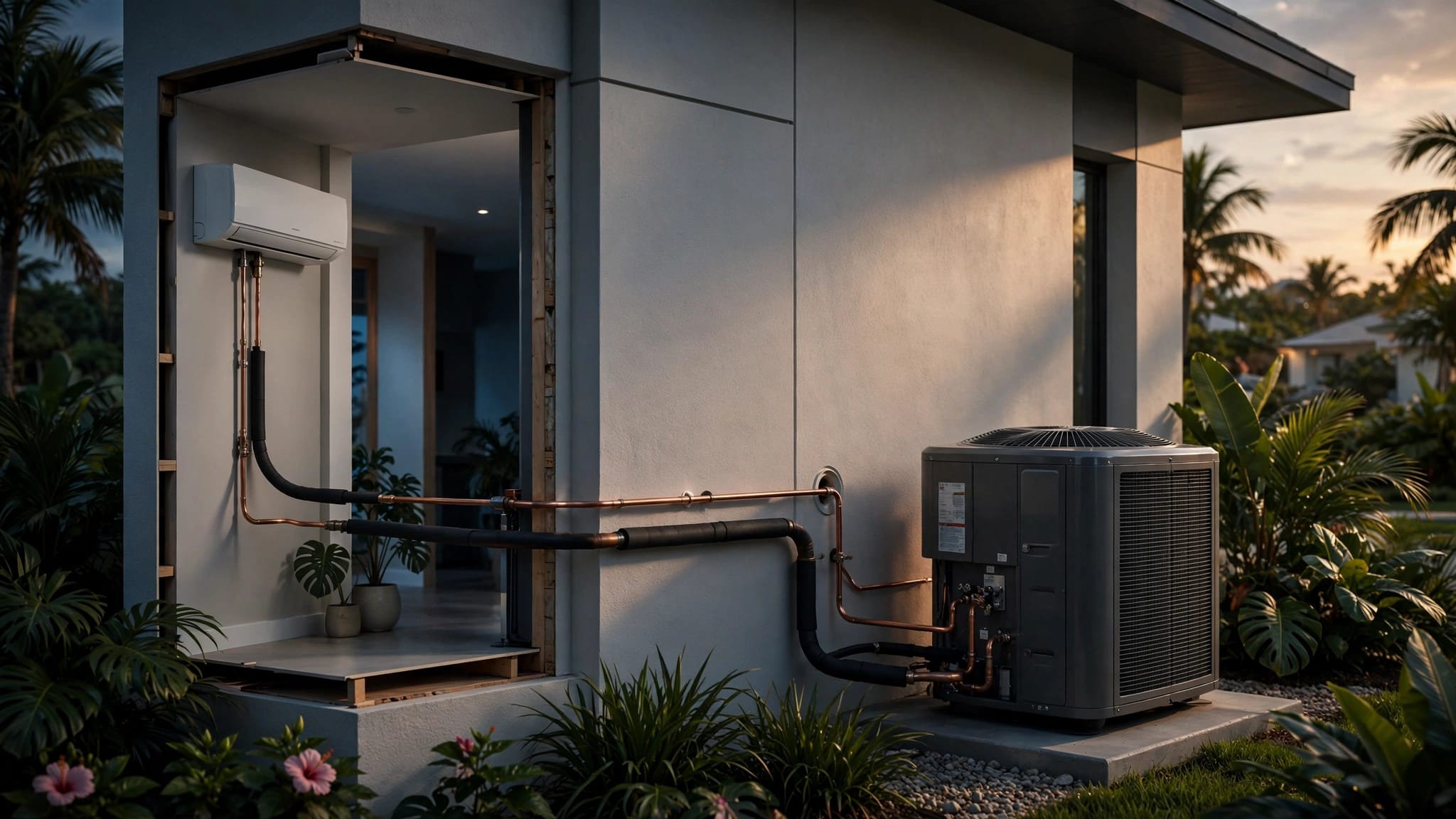
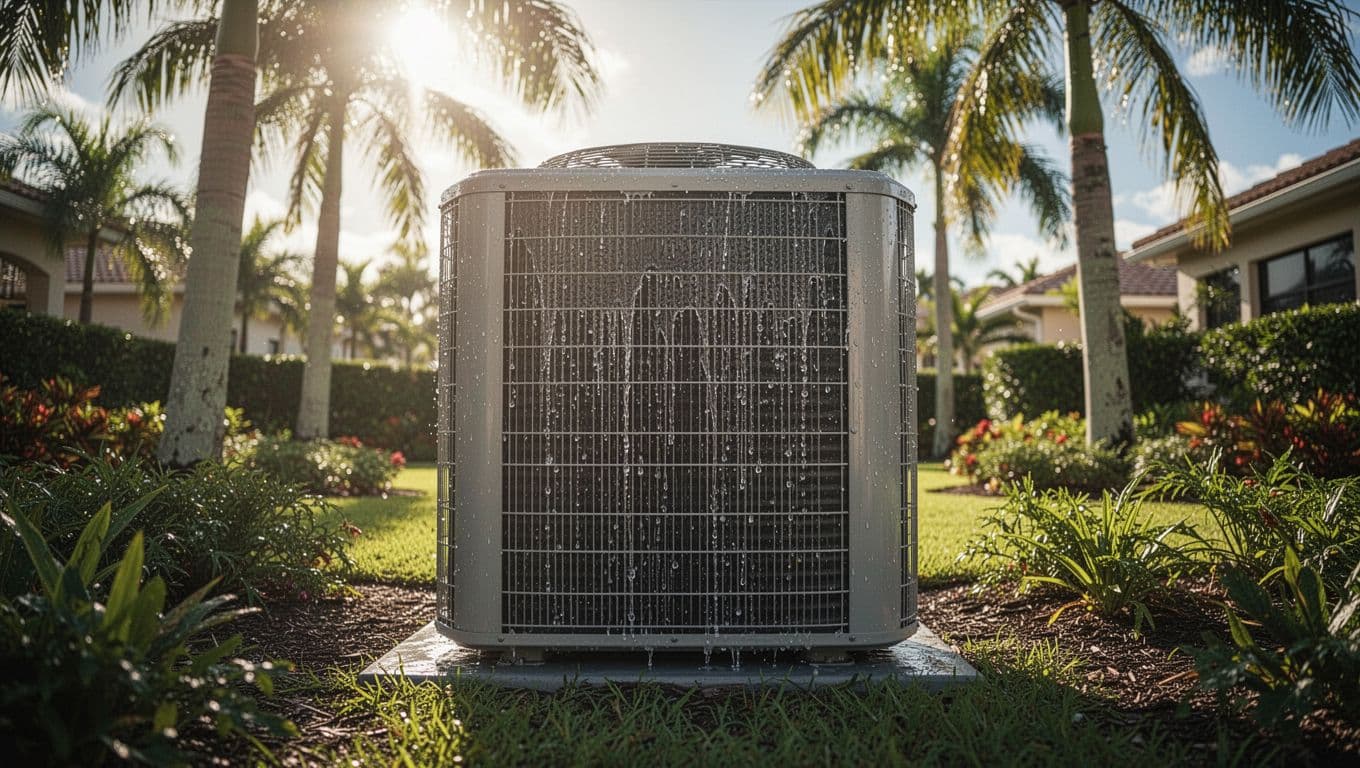
Trim bushes around the outdoor unit for airflow. Rinse coils monthly to clear salt. As a result, efficiency holds.
Tune-ups catch issues early. Signs your AC needs maintenance Cape Coral like odd noises save repairs.
Spotting When to Call for Service
Uneven cooling, short cycling, or muggy indoors mean inspection time. Poor AC strains in our climate. Common air conditioner problems in Cape Coral cover these.
Don't wait; breakdowns cost more. Our air conditioning services Cape Coral handle 24/7 emergencies.
Smart summer thermostat settings like 76-78 daytime transform Cape Coral living. You save money, protect your HVAC, and sleep easy. Fans and maintenance seal the deal.
Humidity control keeps it all comfortable. Adjust for your schedule, and watch bills drop. Questions? Contact Us for a check-up.
(Word count: 982)