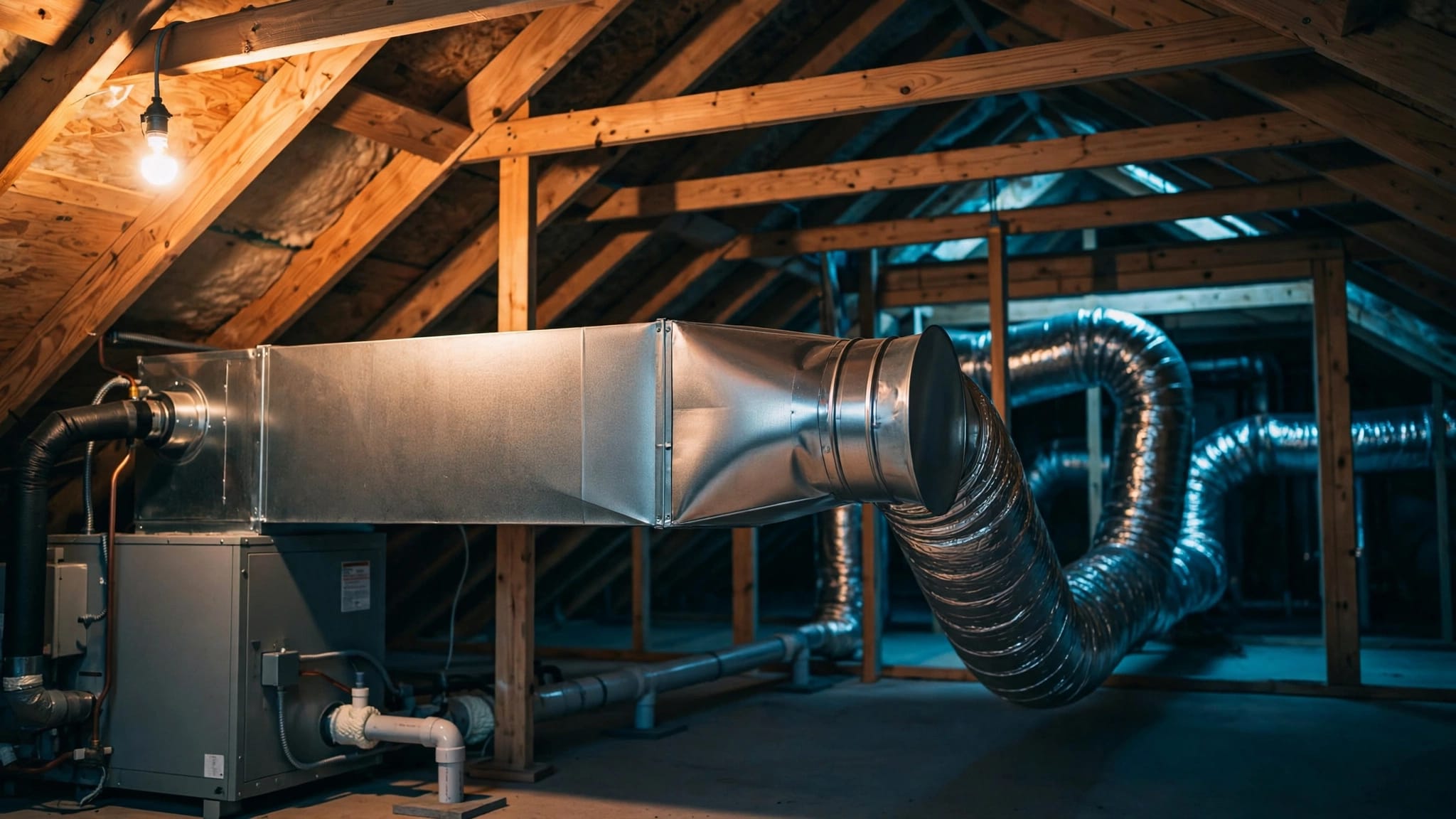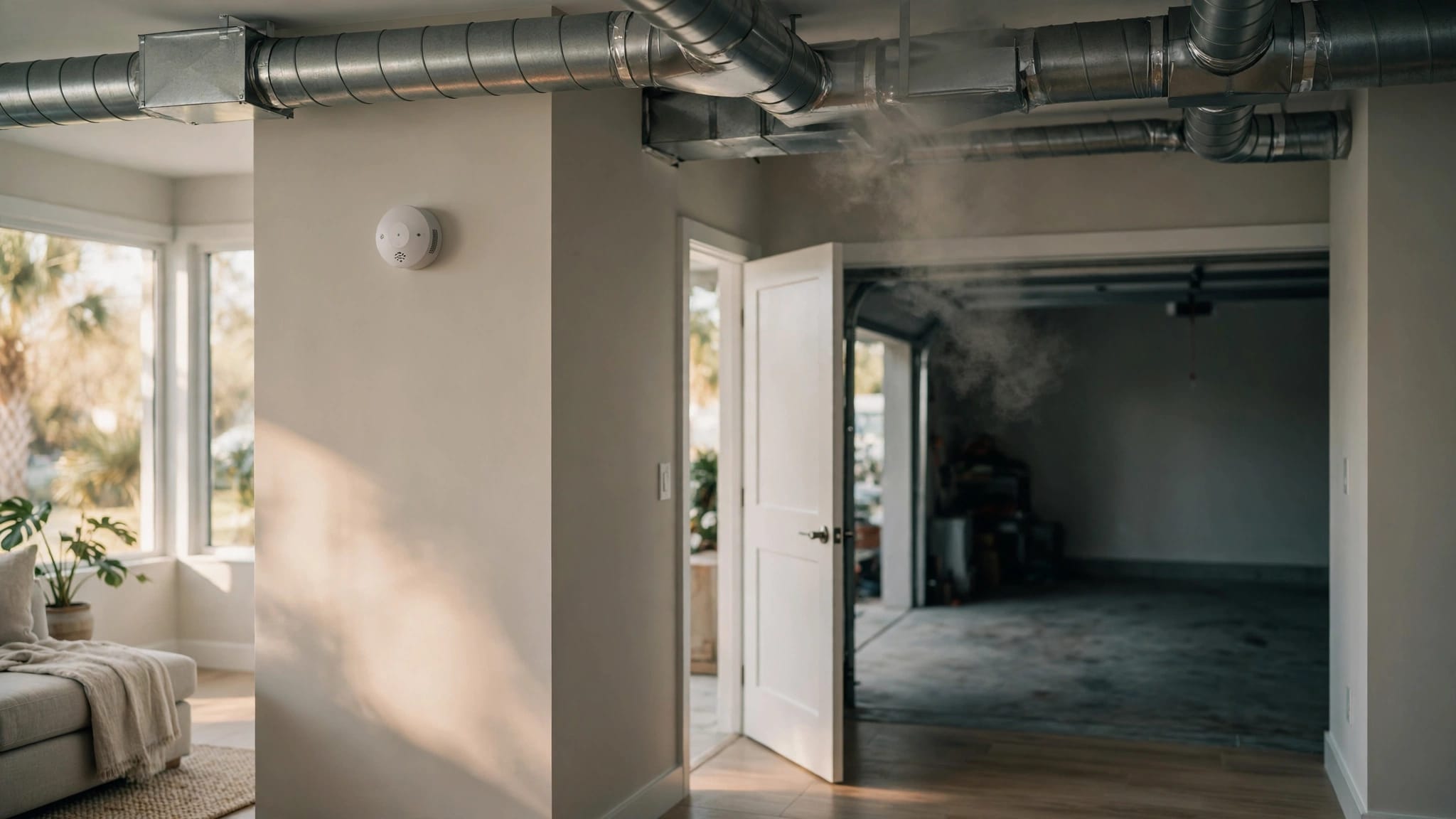
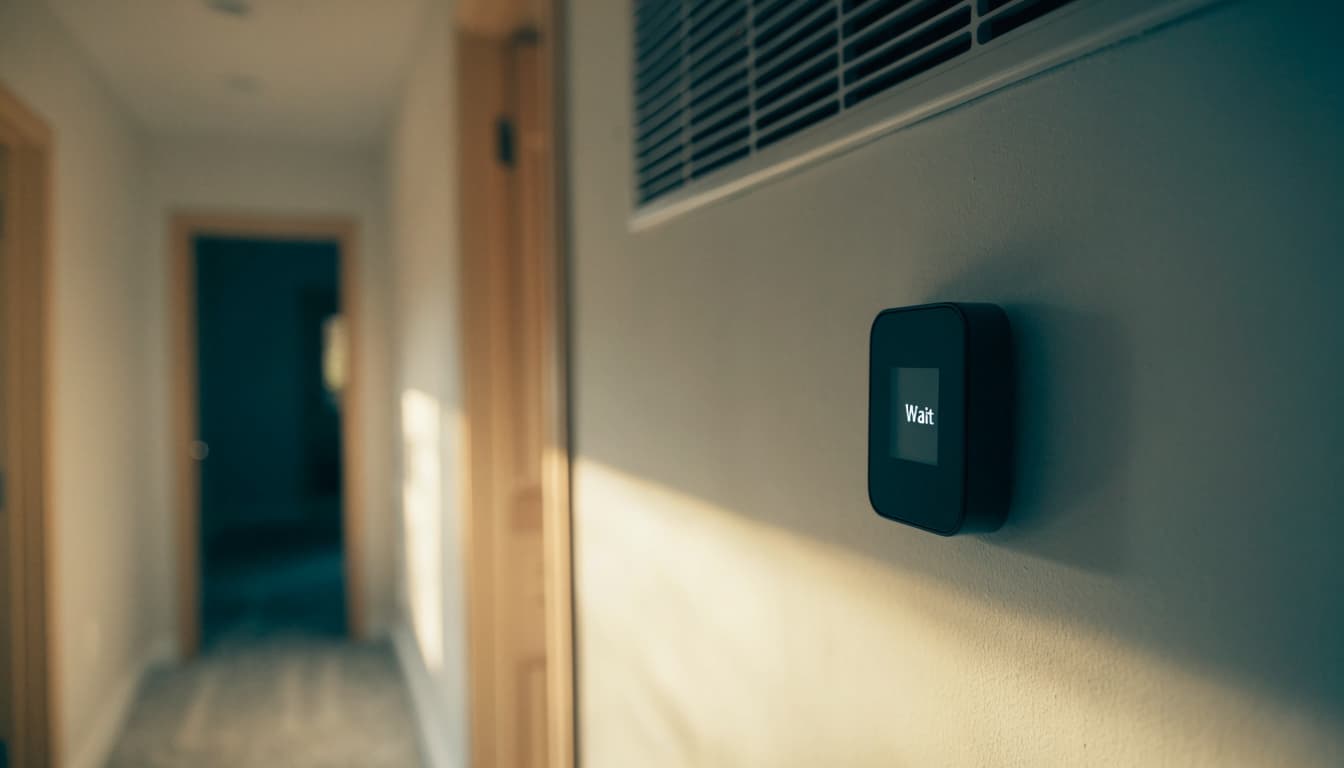
An AC thermostat displays "Wait" when it's temporarily delaying startup, often to protect the compressor from restarting too soon. Many delays last about five minutes, so the message alone doesn't mean your air conditioner needs repair.
However, a message that stays on without cooling deserves attention, especially if the house keeps getting warmer. Start by allowing the protective delay to finish, then work through a few safe checks.
Key Takeaways
- A short "Wait" message often means the compressor's restart protection is working.
- Allow 5 to 10 minutes without changing settings before troubleshooting further.
- Check cooling mode, temperature settings, batteries, and accessible power controls.
- Persistent startup problems, burning smells, or repeated breaker trips need professional attention.
Why Your AC Thermostat Displays "Wait"
The delay protects the compressor
The compressor circulates refrigerant through your cooling system. When it stops, pressure needs time to settle before another startup. A compressor-protection delay helps prevent a difficult restart and unnecessary strain.
During this pause, your thermostat may show "Wait" even though you've selected cooling and lowered the temperature. The indoor blower may also run while the outdoor unit remains off.
Once the delay ends, cooling should begin if the system has power and receives a cooling request. The display alone doesn't diagnose an equipment failure.
Power interruptions can trigger a pause
A brief outage or power flicker can interrupt a cooling cycle and lead to another startup delay. Switching the system off and back on can also make it pause.
After an outage, set the thermostat to Off and allow at least five minutes before requesting cooling again. If power keeps flickering, leave the system off until electricity stabilizes.
Our guidance on restarting AC after an outage covers this situation. Once you've selected Cool again, leave the settings alone while the system completes its delay.
Safe Checks if Cooling Doesn't Start
Give the system 5 to 10 uninterrupted minutes before moving through these checks. That's a practical troubleshooting window, not a universal timer for every thermostat.
Review settings and thermostat power
Set the operating mode to Cool , then choose a temperature 3 to 5 degrees below the current room temperature. A setting at or above room temperature may not request cooling.
Next, select Auto for the fan. With the fan set to On, airflow can continue even when the compressor isn't cooling. Fan movement alone doesn't confirm that the outdoor unit has started.
Also review any programmed schedule that could change your temperature setting. If your thermostat uses batteries and the screen looks dim or behaves erratically, replace them.
Our checks before calling for AC repair cover additional homeowner troubleshooting.
Look for power and airflow problems
If the system remains off, look at the labeled AC breaker without removing the electrical panel cover. A tripped breaker may sit between On and Off.
If the panel is dry and shows no damage, burning smell, or unusual heat, reset a tripped breaker once. Move it fully Off, then On. If it trips again, leave it off and arrange service.
Check the accessible air filter and replace it if dirty. Keep return grilles and supply vents unobstructed. These airflow checks won't bypass a thermostat delay, but they can address poor cooling after startup.
Don't open the outdoor disconnect, equipment cabinets, or wiring compartments.
When the Problem Needs an HVAC Technician
If "Wait" persists beyond the initial troubleshooting window, or keeps returning without normal cooling, arrange a service visit. Repeated thermostat resets can make the startup sequence harder to assess.
Our guide to AC systems that won't start explains how thermostat settings and power interruptions can resemble equipment trouble. However, a working screen doesn't prove the rest of the system is operating.
Stop troubleshooting if you notice burning odors, repeated breaker trips, ice, water around the indoor unit, or harsh buzzing. Turn cooling off and leave electrical testing and refrigerant work to a technician.
Never bypass a safety switch or compressor delay to force the AC to run.
We offer 24/7 emergency service. Contact Us to schedule a service call when safe checks don't restore cooling.
Frequently Asked Questions
How long should the thermostat say "Wait"?
Many compressor-protection delays last about five minutes. Allow 5 to 10 minutes during basic troubleshooting without changing the settings. The exact delay varies, so that window isn't a fixed specification for every system.
Will lowering the temperature further end the delay?
Lowering the setting won't shorten compressor protection. Choose a temperature below the room reading, then leave it steady. Repeatedly switching modes or cycling power can interrupt your attempt to assess normal startup.
Why is air coming out while the display says "Wait"?
The indoor fan can operate while the compressor is paused. This is especially noticeable with the fan set to On. Once cooling begins, the supply air should become cooler; ongoing warm airflow deserves further attention.
Give the Delay Time, Then Troubleshoot Safely
A short thermostat "Wait" message is often normal compressor protection. Allow the pause to finish before changing settings or assuming something has failed.
If cooling doesn't resume, focus on safe, accessible checks . Persistent delays or warning signs call for professional diagnosis, without opening electrical components or attempting refrigerant repairs.