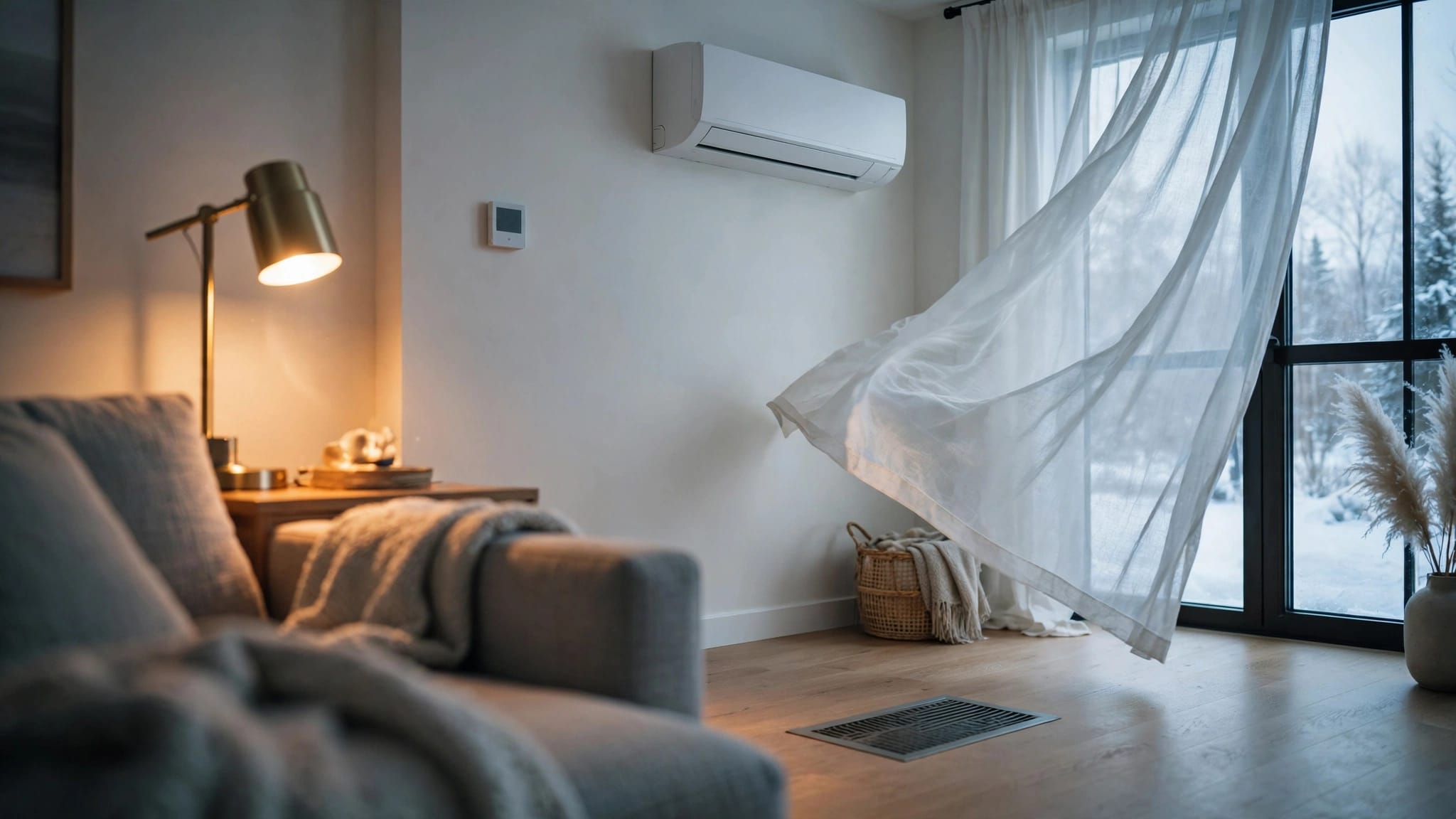
A thermostat that reads 74 degrees while the room feels closer to 80 can make you question the entire air conditioner. Before replacing the thermostat or lowering the setting repeatedly, check whether the AC thermostat calibration is actually wrong.
Florida homes create several sources of misleading readings. Sunlight, supply vents, kitchen heat, drafts, exterior walls, humidity, airflow, and programmed schedules can all affect comfort. A careful comparison with a reliable room thermometer can help you separate a thermostat problem from an HVAC performance issue.
What AC Thermostat Calibration Actually Means
Thermostat calibration is the relationship between the temperature shown on the thermostat and the actual temperature in the surrounding room. If those readings differ, the thermostat may need an adjustment, or the surrounding conditions may be influencing its sensor.
Calibration is different from AC performance
A thermostat can read the room correctly while the air conditioner struggles to cool the house. Dirty filters, restricted ducts, low refrigerant, frozen coils, poor insulation, or an aging system can all cause weak cooling without a thermostat fault.
The reverse can also happen. A thermostat may shut the system off too soon because warm sunlight or cool air from a nearby vent affects its sensor. A temperature mismatch is a clue, not a diagnosis.
Homeowners should avoid internal adjustments
Some thermostats include a temperature offset or calibration setting. Others use model-specific procedures, installer menus, or communicating controls. Use the manufacturer instructions before changing an offset.
Don't remove the faceplate, touch low-voltage wires, or guess at terminal connections. A wrong connection can damage controls and create a larger operating problem.
How to Compare Your Thermostat With a Room Thermometer
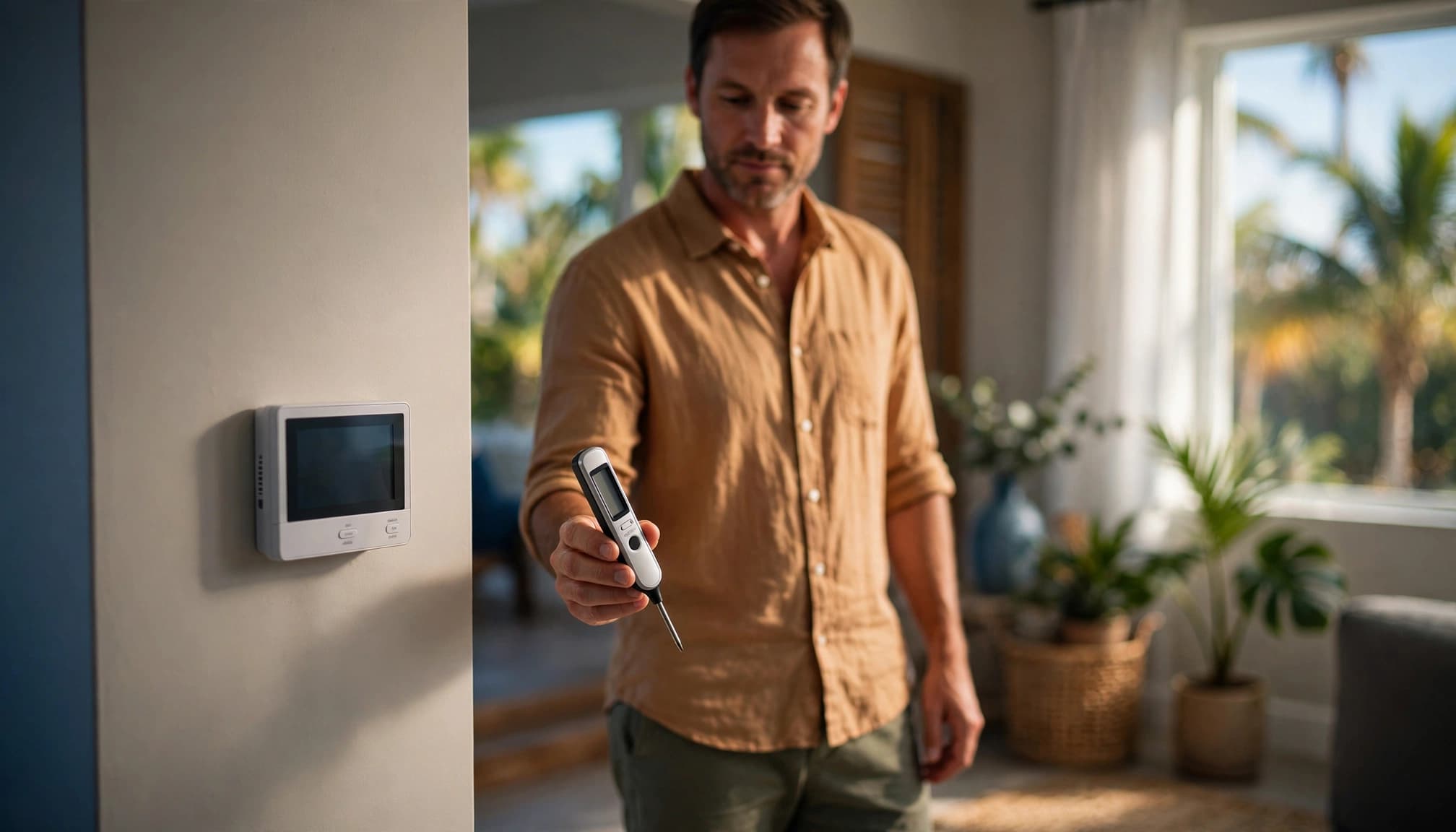
A comparison test is the safest way to check whether the displayed temperature seems reasonable. Use a reliable digital room thermometer, not an infrared thermometer pointed at a wall or register.
Prepare the room and the AC
Place the thermometer near the thermostat, but don't set it directly against the wall or under a vent. Keep it away from your hands, lamps, electronics, and direct sunlight.
Close exterior doors and windows during the test. Turn off ceiling fans and exhaust fans, then allow the thermometer to sit undisturbed long enough to stabilize.
Set the AC to Cool , lower the thermostat setting 3 to 5 degrees below the current room temperature, and set the fan to Auto . Some systems delay compressor startup, so wait 5 to 10 minutes after the cooling call begins.
For a more useful performance check, let the system run for about 15 minutes before comparing readings. A startup measurement may not reflect normal operation.
Record the readings
Write down the thermostat temperature, thermometer temperature, thermostat setting, time, and room where you tested. Repeat the comparison later if the result seems unusual.
A single reading can mislead you. For example, a thermostat exposed to afternoon sun may read warmer than the center of the room. A sensor near a supply vent may read cooler than the rest of the house.
You can also record whether the AC cycles normally, whether the air feels cool, and whether other rooms stay comfortable. These details help a technician identify patterns.
Use safe homeowner checks
You can clean dust from the outside of the thermostat with a soft, dry cloth. If the model uses batteries, replace them according to the manufacturer's instructions.
For more safe maintenance ideas, see these thermostat care and indoor comfort tips. Never open the equipment cabinet or thermostat housing to investigate wiring.
Thermostat Placement Problems in Florida Homes
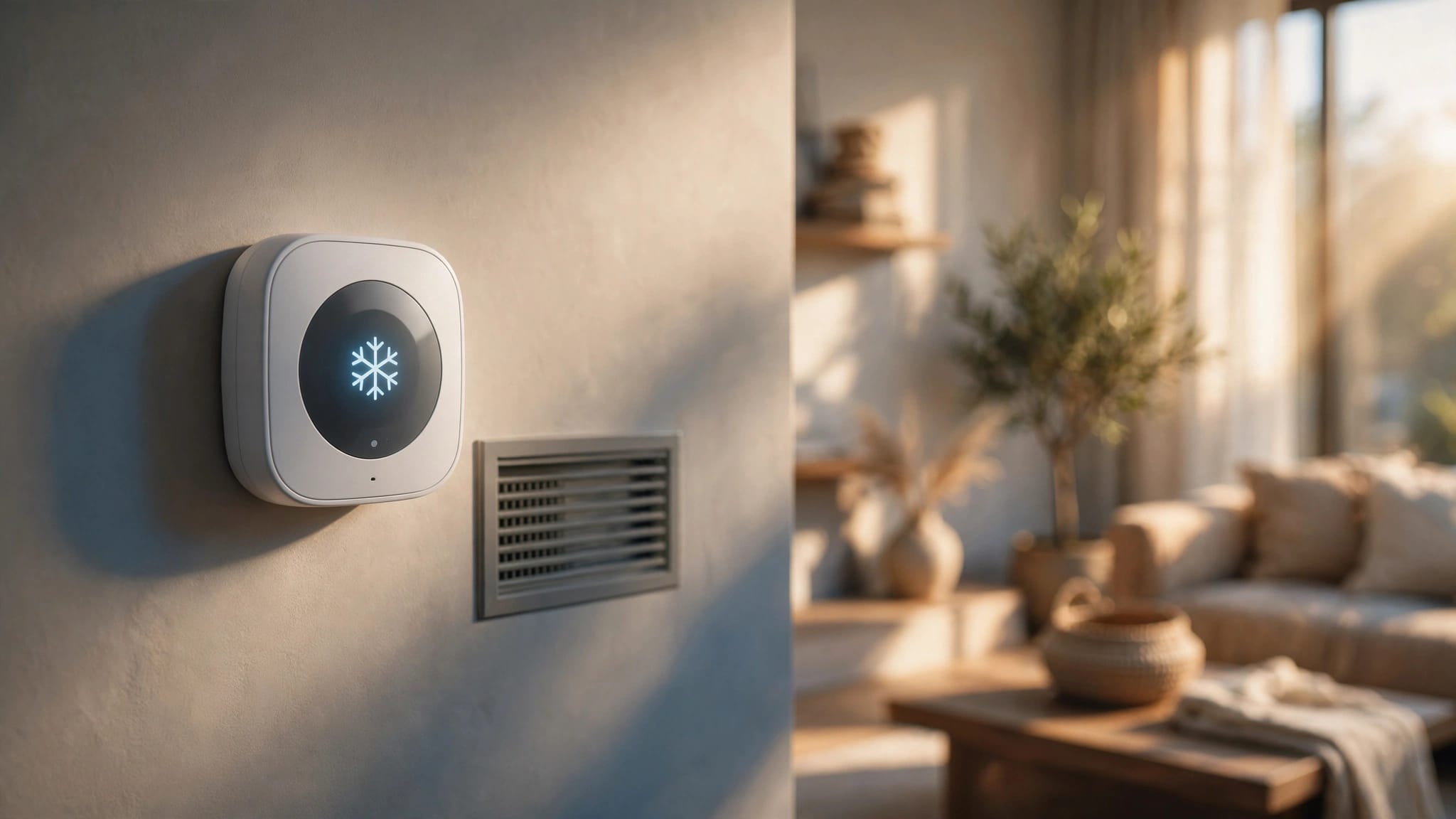
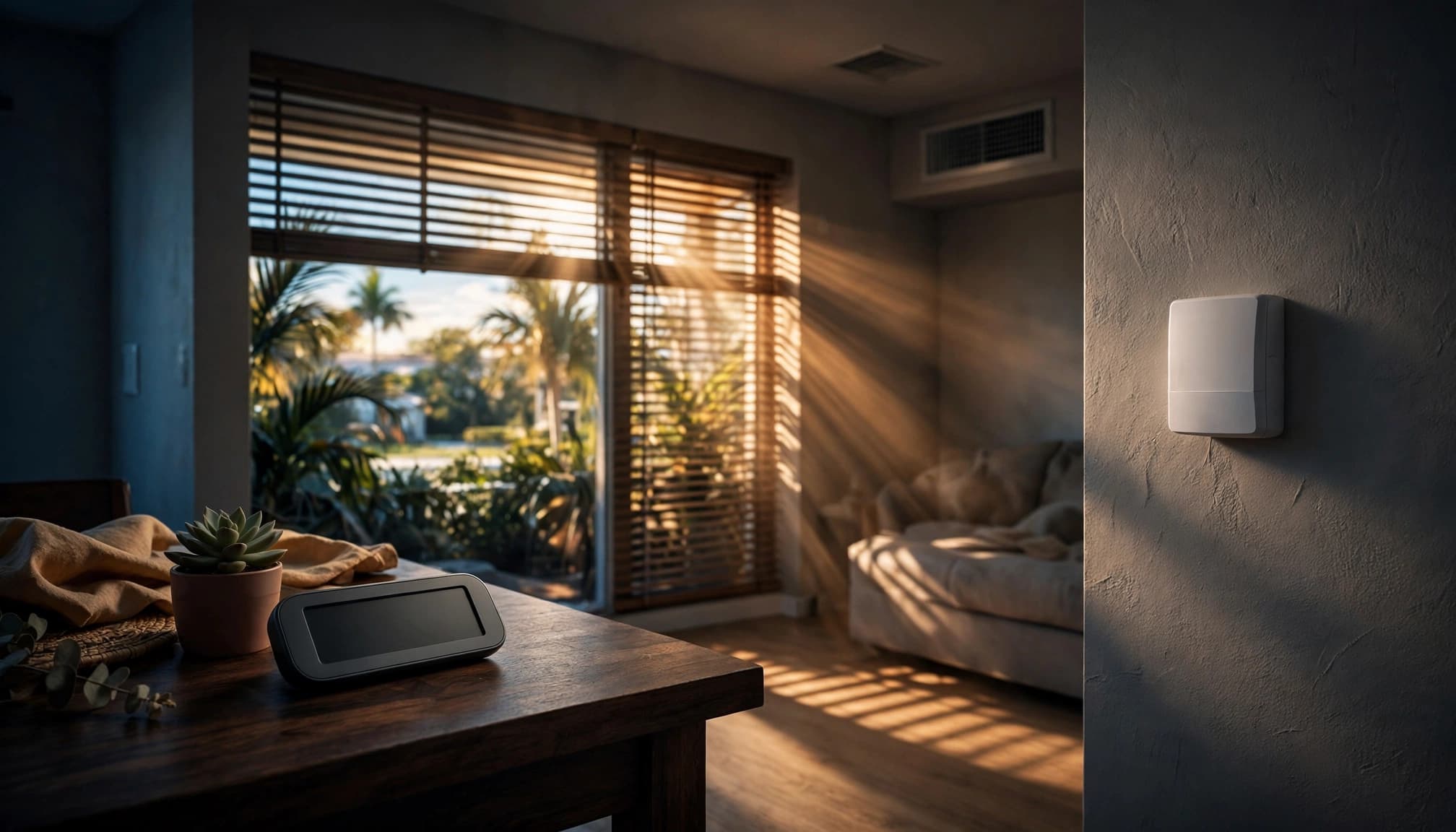
Thermostat location has a major effect on temperature readings. A wall that seems convenient may be a poor sensor location if it experiences fast temperature changes or receives air that doesn't represent the rest of the home.
Watch for heat and drafts
Direct sunlight can warm the thermostat and make the AC run longer than necessary. Nearby lamps, televisions, ovens, and kitchen activity can create the same effect.
Drafts from exterior doors and windows may cool the sensor prematurely. An exterior wall can also experience more heat transfer than an interior hallway wall, especially during a hot afternoon.
A thermostat near a supply vent may read colder than the room. A thermostat near a return grille or a cool hallway may shut the system off before warmer rooms catch up.
Look beyond the thermostat itself
Keep furniture, curtains, and decorations from blocking nearby supply or return openings. Check whether one room stays hotter, whether airflow feels weak, or whether the home still feels damp after the AC runs.
These symptoms may point to duct leakage, restricted airflow, equipment sizing, or humidity control rather than calibration. Read more about thermostat placement and humidity problems in Cape Coral homes.
What a Temperature Mismatch May Indicate
A difference between the thermostat and thermometer does not automatically mean the thermostat is defective. The cause may be simple, or it may involve the AC system.
The reading may be affected by conditions
If the thermostat reads warmer than the thermometer, look for sunlight, kitchen heat, lamps, or a nearby exterior door. If it reads cooler, check for a supply vent, return air, or a draft.
Move the thermometer to another part of the room and compare it again. If the readings become closer away from the thermostat, placement may be the main issue.
Also check whether a programmable or smart thermostat changed its schedule after a power flicker or storm. A setback schedule can make the home feel warmer even when the thermostat is working correctly.
The AC may have a separate problem
A thermostat can call for cooling while the air conditioner fails to deliver enough conditioned air. A dirty filter, blocked vent, frozen coil, duct restriction, refrigerant problem, or failing component may produce that symptom.
Weak airflow, warm air, rising humidity, ice, water, or rooms that stay hot deserve more attention than the thermostat reading alone. Diagnosing duct and airflow problems may be necessary when one area remains uncomfortable despite a normal thermostat reading.
A Concise Thermostat Troubleshooting Checklist
Start with settings and observations that don't require tools or electrical access. These checks can rule out common causes before you schedule service.
Check the settings and power
Confirm that the mode is set to Cool and the fan is set to Auto . Lower the temperature 3 to 5 degrees below the current room temperature, then wait several minutes for the system to respond.
If the display is blank, dim, or acting strangely, replace the batteries if your thermostat uses them. Check the HVAC breaker if the entire system is off. Reset a tripped breaker once, but leave it alone if it trips again.
Check the programmed schedule, especially after a storm or power interruption. A setting may have changed without indicating a mechanical failure.
Check airflow and visible symptoms
Make sure supply vents and return grilles are open and not blocked by furniture or rugs. Inspect the filter and replace it if it is heavily loaded with dust.
Stop troubleshooting and turn the system off if you see ice, water near the indoor unit, or smell burning. Loud buzzing, grinding, repeated clicking, and unusual hissing also need professional attention.
For additional preparation, review these thermostat checks before AC service.
When to Call an HVAC Professional
Schedule service when the thermostat and thermometer continue to disagree after you account for placement and room conditions. A technician can test the thermostat signal, inspect airflow, check the equipment, and determine whether an offset or replacement is appropriate.
Professional help is also the right choice when:
- The thermostat loses power, shows an error, or responds inconsistently.
- The AC short-cycles or runs constantly without cooling the home.
- Warm air, weak airflow, ice, water, or persistent humidity appears.
- A breaker trips more than once.
- You smell burning or hear loud mechanical or electrical sounds.
- The thermostat works, but the indoor or outdoor unit stays silent.
A professional AC tune-up may include thermostat calibration along with checks of coils, airflow, electrical components, drainage, and refrigerant performance. A typical tune-up described for Cape Coral homes takes about 1 to 2 hours. You can review what is included in AC maintenance and thermostat calibration.
If the system presents an urgent cooling or electrical concern, Contact Us to schedule service with Back Bay Heating & Cooling.
Florida Thermostat Settings and Ongoing Care
Correct calibration helps the thermostat respond to the room, but comfort also depends on reasonable settings and regular maintenance.
Choose a practical cooling setting
Energy Star guidance cited for Cape Coral homes uses 78 degrees as a starting point and says raising the setting can save up to 10% per degree raised. Your best setting depends on indoor humidity, occupancy, insulation, and the condition of the AC.
Avoid chasing comfort by setting the thermostat extremely low. If the home stays damp, the system runs constantly, or the indoor temperature remains high, the problem may involve cooling capacity or airflow.
For more guidance, see these recommended AC temperature settings in Florida.
Check the system during heavy use
Test the thermostat about once a month while the AC is in regular use. Note unusual changes instead of focusing on one exact number. Record the room temperature, humidity concerns, sounds, and cycling behavior.
Keep the area around the thermostat clear. Replace filters as needed, keep vents open, and arrange professional maintenance when performance changes.
Key Takeaways
- Compare the thermostat with a reliable room thermometer in stable room conditions.
- Keep the thermostat away from sunlight, lamps, kitchens, supply vents, drafts, and exterior walls.
- A mismatch can come from placement, schedules, airflow, humidity, or equipment problems.
- Don't remove the thermostat cover or handle wiring.
- Call for service when the display fails, the system short-cycles, cooling remains weak, or you see ice, water, burning, or repeated breaker trips.
AC Thermostat Calibration FAQ
Can I calibrate any AC thermostat myself?
No. Some models include an offset setting, while others require installer menus or professional testing. Follow the manufacturer's instructions and avoid changing wiring or opening the thermostat.
How long should I compare the thermostat and thermometer?
Let both devices stabilize before comparing them. For an AC performance check, allow the compressor to run for about 15 minutes. Repeat the test if the first result occurs during startup or immediately after the system shuts off.
Why does my thermostat read correctly while one room stays hot?
The thermostat measures its own location, not every room in the house. A hot room may have weak airflow, duct leakage, solar heat gain, insulation problems, or a door and vent configuration that limits circulation.
Does a new AC always need a new thermostat?
No. An existing thermostat may work with replacement equipment if it is compatible. Heat pumps, variable-speed systems, staged equipment, communicating controls, and accessories may require a different thermostat or wiring arrangement.
Conclusion
Accurate AC thermostat calibration starts with a calm comparison, not an immediate replacement. Use a reliable room thermometer, remove obvious placement influences, check settings, and observe how the entire system performs.
When the mismatch continues or the home shows signs of weak cooling, humidity, ice, water, noise, or electrical trouble, the thermostat may only be part of the problem. Safe observations can narrow the possibilities, while professional testing identifies the real cause.